Getting started
Signing in, inviting your family, joining from an invite, and the first-time guides in order.
- Getting started with KunbaaStart here: the short version, and the seven first-time guides in order.
- Set up your family space and invite your first relativeCreate your account, name your family, put yourself on the tree, and send the first invite.
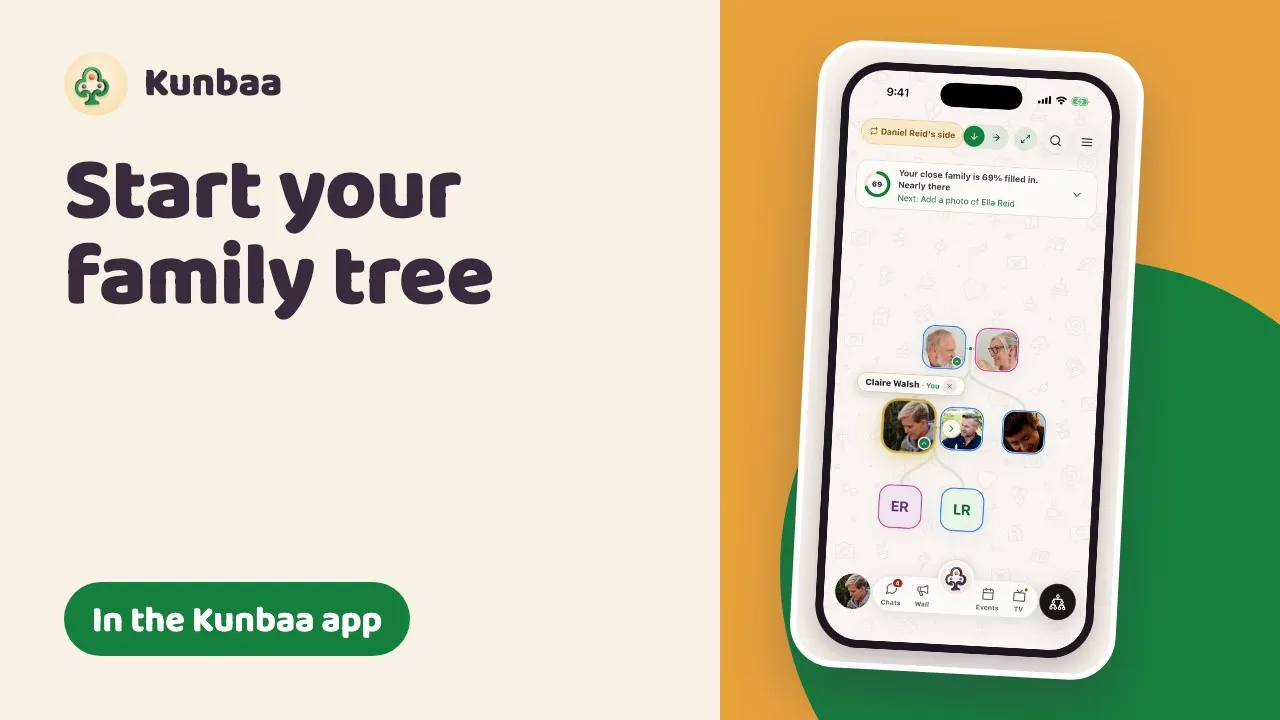
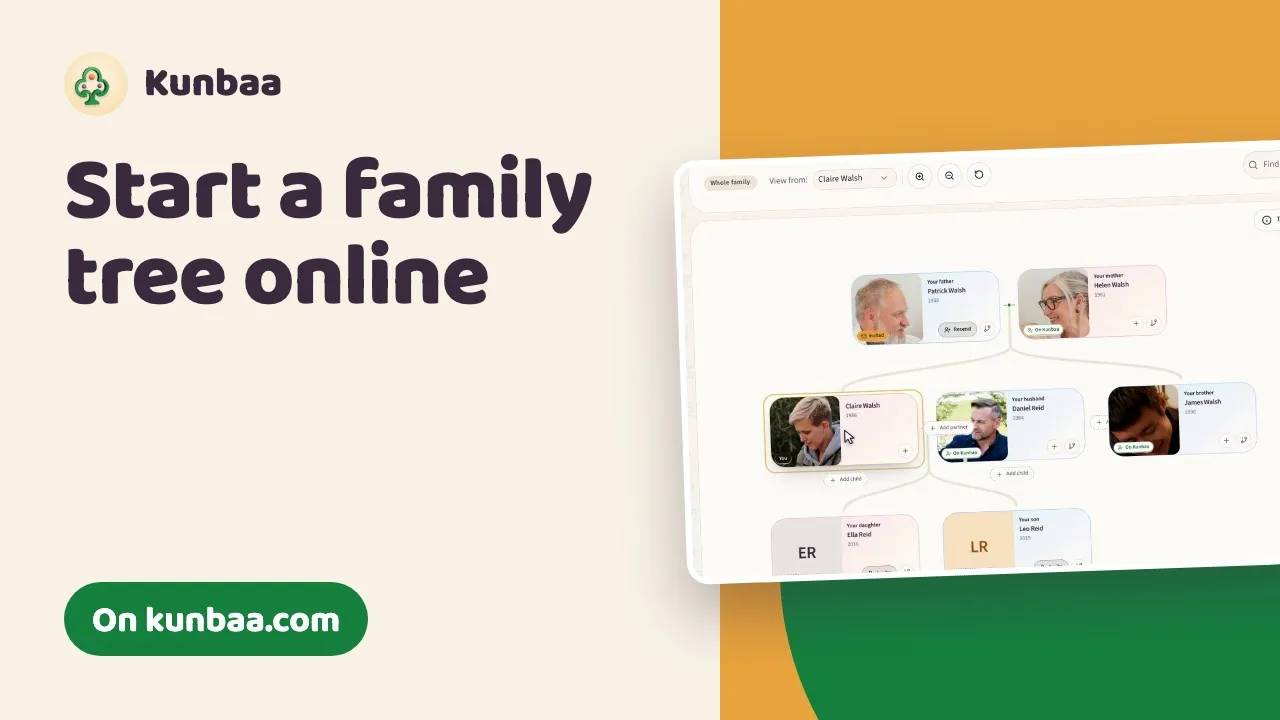
- Build your tree: parents, partners and childrenAdd the people around you one card at a time, and learn what your household and extended family mean in Kunbaa.
- Share your first memory: posts, photos and who sees themPost a photo with the names written down, and see who in the family it reaches.
- Chats, groups and calling your familyDirect lines, the family groups Kunbaa keeps for you, and a call from the top of any chat (one-to-one calls are free).
- Keep everyone safe: location sharing and who can see youShare where you are for a set time or until you stop, with the relatives you pick, and nobody else.
- Permissions: what admins, editors and viewers can doThe three access levels, the three switches, and how a relative asks for more.
- Import an existing family tree or a WhatsApp groupBring a GEDCOM file from another family-tree program, or the people in your WhatsApp group, onto your tree.
- Signing in, codes and devicesA code by email, or Google, Facebook or Apple, Face ID after that, and using more than one device.
- How to invite your familyYou start the family space; only the people you invite can join. How to bring everyone in for free, and choose what each person can do.
- Joining your family on KunbaaGot an invite? Open the link, sign in with the address it was sent to, and tap Join. Free, and what to do if the link has expired.
- Your preferred nameOne name on every post, chat and tree card, whichever way you sign in.
- Using your email on your child's phone?Why a child should not share your account, and how to give them a place on the tree that you look after.
- Set up Kunbaa for a parent or grandparentA gentle way to get mum, dad or grandparents looking at family photos.
Watch how
Still stuck? Email us.
A person reads every message and replies as soon as they can.