Family Tree Software
A private tree of the family you actually have — everyone's place in it, everyone's birthday on it, and the photos and stories kept beside it. Not a records account.
Frequently asked questions
Is Kunbaa an alternative to Ancestry or MyHeritage?
For living families, yes — as a private companion, not a replacement. Ancestry and MyHeritage are research tools for records, DNA and historical trees; Kunbaa is a private tree of the family you actually have, with birthdays on it and an archive that keeps the photos and stories with the names and dates. Many families use both.
Why not just use Ancestry for the living family too?
Because research sites hide living people by design — on Ancestry, anyone marked as living is invisible to other members regardless of privacy settings. Children can't hold their own accounts, and there is no family calendar, photo feed or calling.
Can I import an existing GEDCOM tree?
Yes, on the web. Export a .ged file from MyHeritage, Ancestry, Family Tree Maker or Gramps and upload it on kunbaa.com under Tools → Import a GEDCOM; Kunbaa matches it against the people already in your tree, asks about anyone it is unsure of, and writes nothing until you confirm. Details already on a card are kept; GEDCOM export is not switched on in this release.
Is my family tree private?
Yes. Your tree is invite-only — no ads, your family's data never sold, nobody outside the family can see anything — and never published to a public directory.
What does family tree software cost with Kunbaa?
The tree is free for the whole family — every branch, every generation, no cap — and everyone joins free, no card, ever. Kunbaa Plus at $15.99 a month or $159.99 a year keeps longer videos in the family archive, room for the whole archive, and the photos and videos from the family chat. For comparison, as of mid-2026 Ancestry plans run $229–$479 a year and MyHeritage Complete renews at about $299 a year, per researcher.
Start with the relatives you can verify
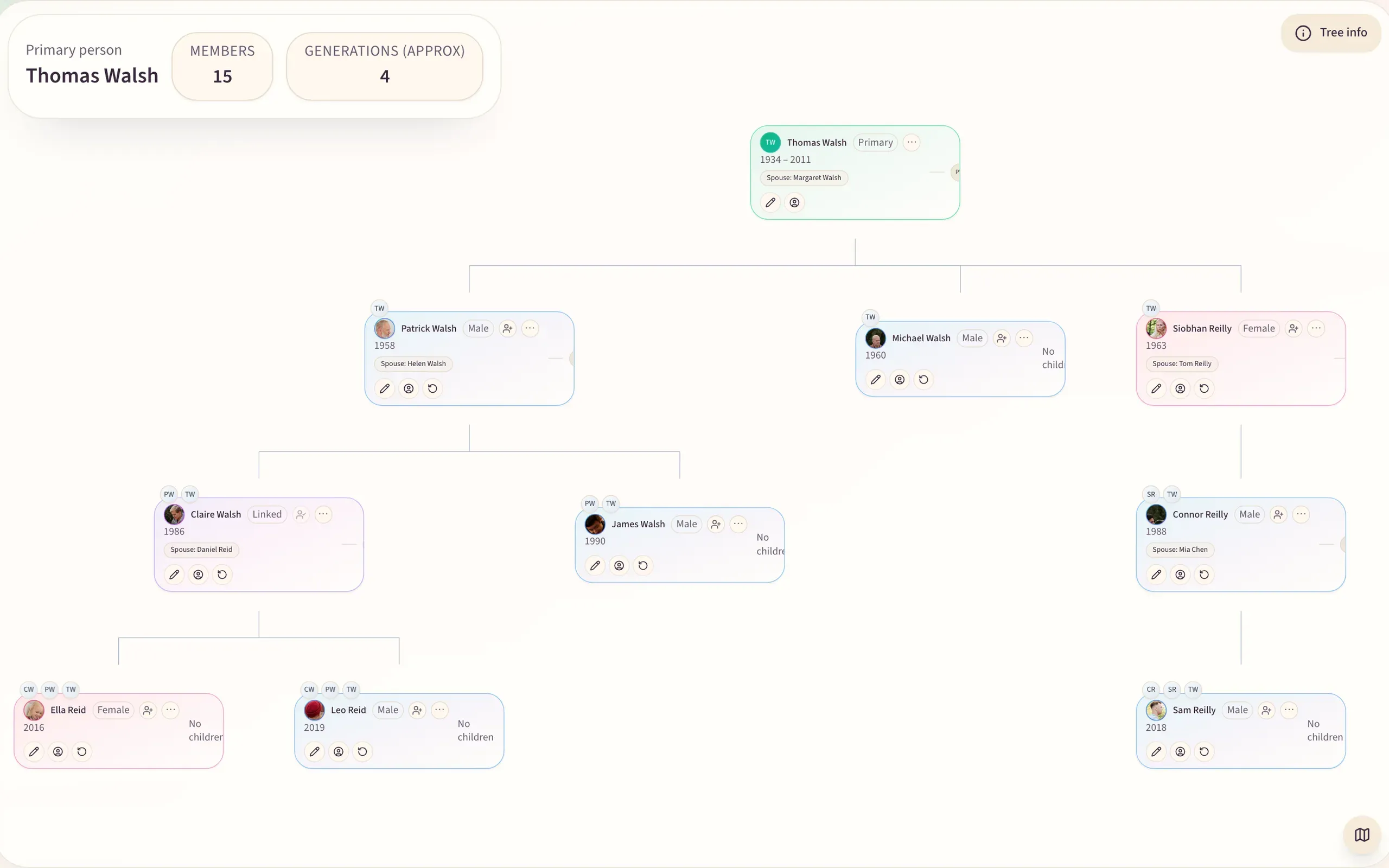
Begin with close family, add dates, places, nicknames and notes, then invite relatives branch by branch while the people who remember are still easy to reach.
Structure on one side, memory on the other
The tree sits beside the archive, the wall and events in one private space, so the relationships are recorded along with the names, places and dates in each caption.

Family tree setup guides
Starting a tree, comparing builders, using templates, and launching a free family tree online.
The private tree, in depth
One page per feature, with what it does today and the honest limits.
Family tree software story
Family tree software for the family you actually have
Most family tree software is genealogy research software: records, hints, DNA matches, ancestors from 1850. Kunbaa is a private tree for the living family — everyone’s place and birthday on it, and beside it an archive of the photos, stories and voice notes the family shares, with the names, the place and roughly when in the caption.
The honest Ancestry and MyHeritage answer
For historical records, DNA matching or immigration papers, Ancestry and MyHeritage are the right tools — they have billions of records and Kunbaa has none — and many families use both, Kunbaa as the private companion for the living family.
Research sites are built around a fact that surprises people: living relatives are hidden by design. On Ancestry, anyone marked as living is invisible to other members regardless of privacy settings; children can't hold accounts of their own, and there is no family calendar, no photo feed, no voice or video. See Kunbaa vs Ancestry, Kunbaa vs MyHeritage and Kunbaa vs FamilySearch — or the best family tree apps in 2026 side by side.
Price is part of the difference too. As of mid-2026, Ancestry’s US Discovery plan is $229/yr for one seat and All Access is $479/yr with four seats, and MyHeritage Complete renews at about $299/yr — per researcher. Kunbaa Plus is $159.99/yr — about $13 a month, or $15.99 month to month — and everyone in the family joins free.
How families use it
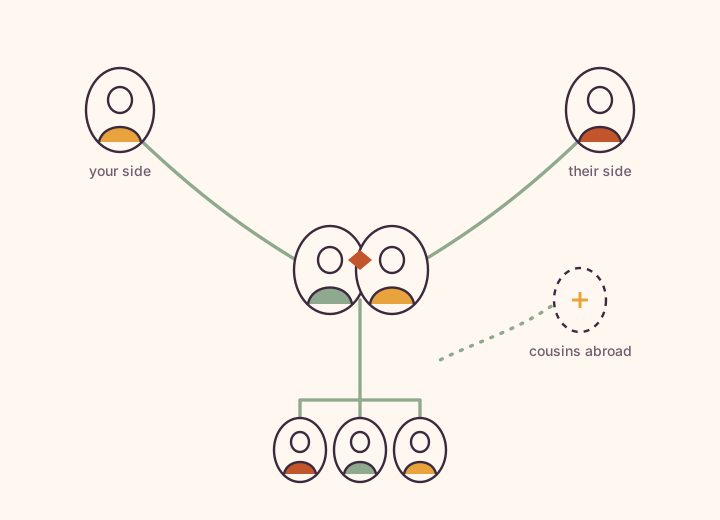
- Map both sides of the family — your branch, your partner’s branch, the cousins abroad — in one private tree.
- Share photos, scanned letters, recipes, voice notes and stories into the archive.
- Invite relatives to claim their own spot and fill in the names, dates and spellings only they remember.
- Keep notes on step-families, adoption context and name variations inside the family, never on a public profile.
Start with confidence, then expand
Begin with close relatives, add approximate dates where records are unknown, and invite family branch by branch. Already have a research tree? Export it as a GEDCOM file and import it on kunbaa.com: Kunbaa matches it against the people you already have and shows what it will write before writing anything (GEDCOM export is not switched on yet). Starting fresh, the step-by-step guide walks you through it, and the family tree feature page shows what the tree can hold.