Family Tree Builder
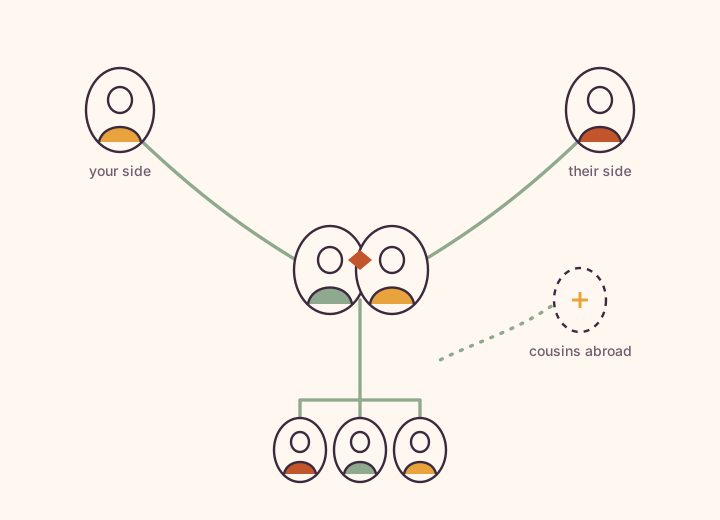
The tree is the spine of Kunbaa: everyone's place, their birthday, and how they connect. Build both sides, all the branches, the cousins overseas.
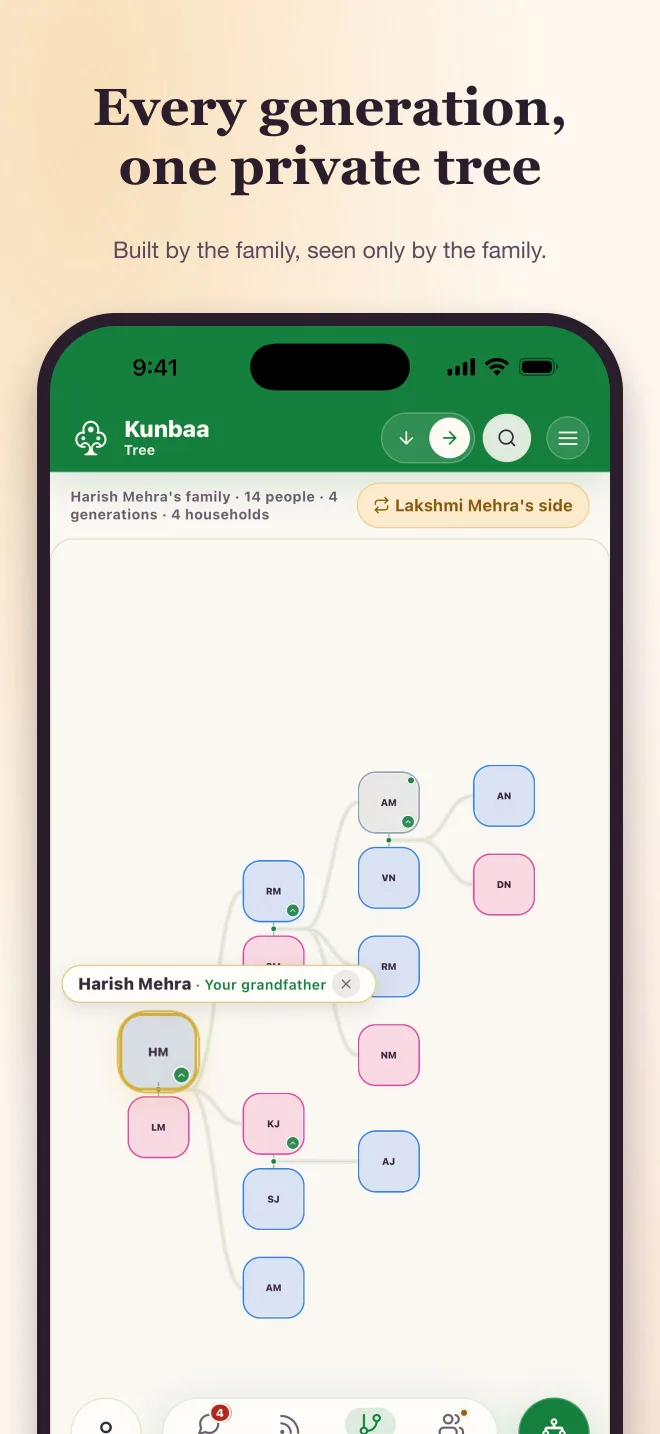
Get started in minutes
- Create hubName your family and start a private family space.
- Add coreLink parents, siblings, partner, and children.
- InviteShare an invite with close relatives.
- EnrichUpload photos and voice notes, kept with dates and context.
Live previews
Frequently asked questions
Is my family tree private?
Yes. Your tree lives in an invite-only family space — never published to a public directory, no ads, nobody's data sold — and only invited relatives can see anything.
How is this different from Ancestry or MyHeritage?
Different job. Those are research tools for finding ancestors through records and DNA, and they hide living people by design; Kunbaa's tree is for the family alive now — the people, their photos, stories and birthdays, in one private place.
Can I import or export a GEDCOM file?
Import, yes — on kunbaa.com in a browser. Export a .ged file from MyHeritage, Ancestry, Family Tree Maker or Gramps, upload it under Tools → Import a GEDCOM, match anyone already in your tree, and confirm before anything is written; existing details are kept. GEDCOM export is not switched on in this release — ask support for a copy of your tree.
Can relatives help build the tree together?
Yes. Invite trusted relatives to add names, dates, photos and stories branch by branch. You choose what each person can do as you invite them — add to the tree and post, or just look — can change it later, and a relative who wants more can ask for access.
What about relatives who have passed?
They belong on the tree. Mark them as passed away with a date or 'date unknown'; their card is marked gently, their photos and stories stay, and they leave the list of people you can invite or message.
Can children be in the tree?
Yes — children appear in the tree and in photos, added by the adults. Accounts are 18+, so kids don't get their own logins: adults keep it, kids are in it.
Does the family tree work on mobile?
Yes. Build and browse the tree in your phone's browser at kunbaa.com today. The Kunbaa app for iPhone and Android is coming soon to the App Store and Google Play.
How much does it cost to start?
Everyone joins free — the tree with no limit on branches or generations, the wall, chat and events, plus voice and video calls and Family Safety when the mobile app arrives, with room to build the tree and start the photos. Kunbaa Plus at $15.99/mo or $159.99/yr (17% less, about $13 a month for the whole family, paid on kunbaa.com) keeps longer videos in the archive, room for the whole family's archive, and the photos and videos from the family chat.
Link relatives in minutes
Add parents, siblings, partners, children and extended relatives with simple forms.
In the app the tree opens at your parents' row, you in the middle; press and hold any card for a ring of actions — view from their place, step to their parents or children, add, edit, invite — and a chip switches to your partner's side.
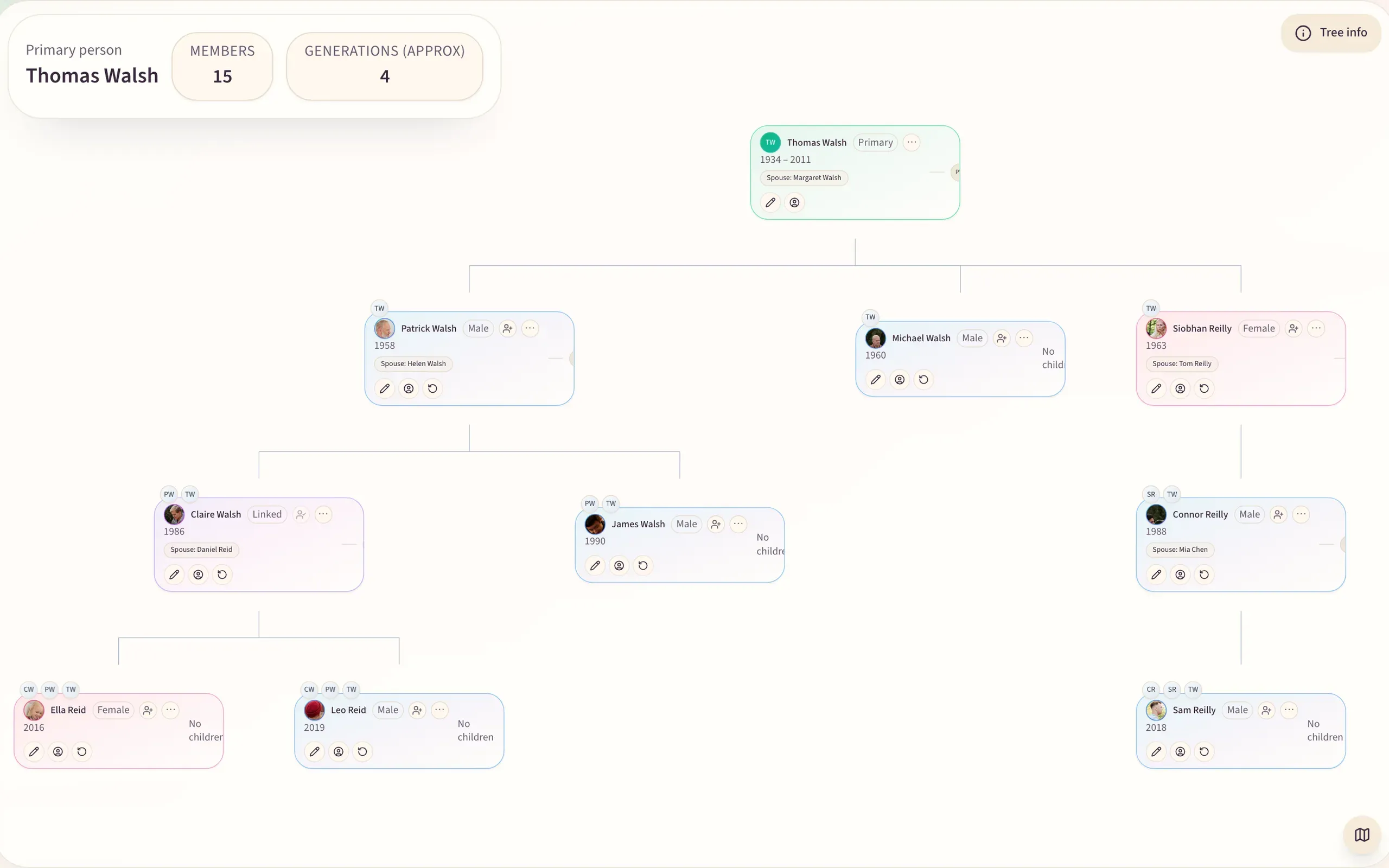
A living record, not a static chart
Attach media, dates, notes, places, nicknames and milestones to each profile; connected to the archive, the wall and events, a person's page gathers their whole story.
Invite relatives to help verify details
Start with the people you know best, then invite trusted relatives to add missing names, dates, photos and stories.
Branch by branch it gets more accurate, nothing goes public, and everyone you invite joins free.
Popular family tree guides
Creating a family tree online, choosing a builder, using a template, or starting free.
The private tree, in depth
One page per feature, with what it does today and the honest limits.
Build the tree from your phone App coming soon
Add a relative between errands, attach a photo from your camera roll, and the tree stays in sync across mobile and web. Until the Kunbaa app is in the App Store and Google Play, the same tree opens in your phone’s browser. See pricing for what the paid plan adds.
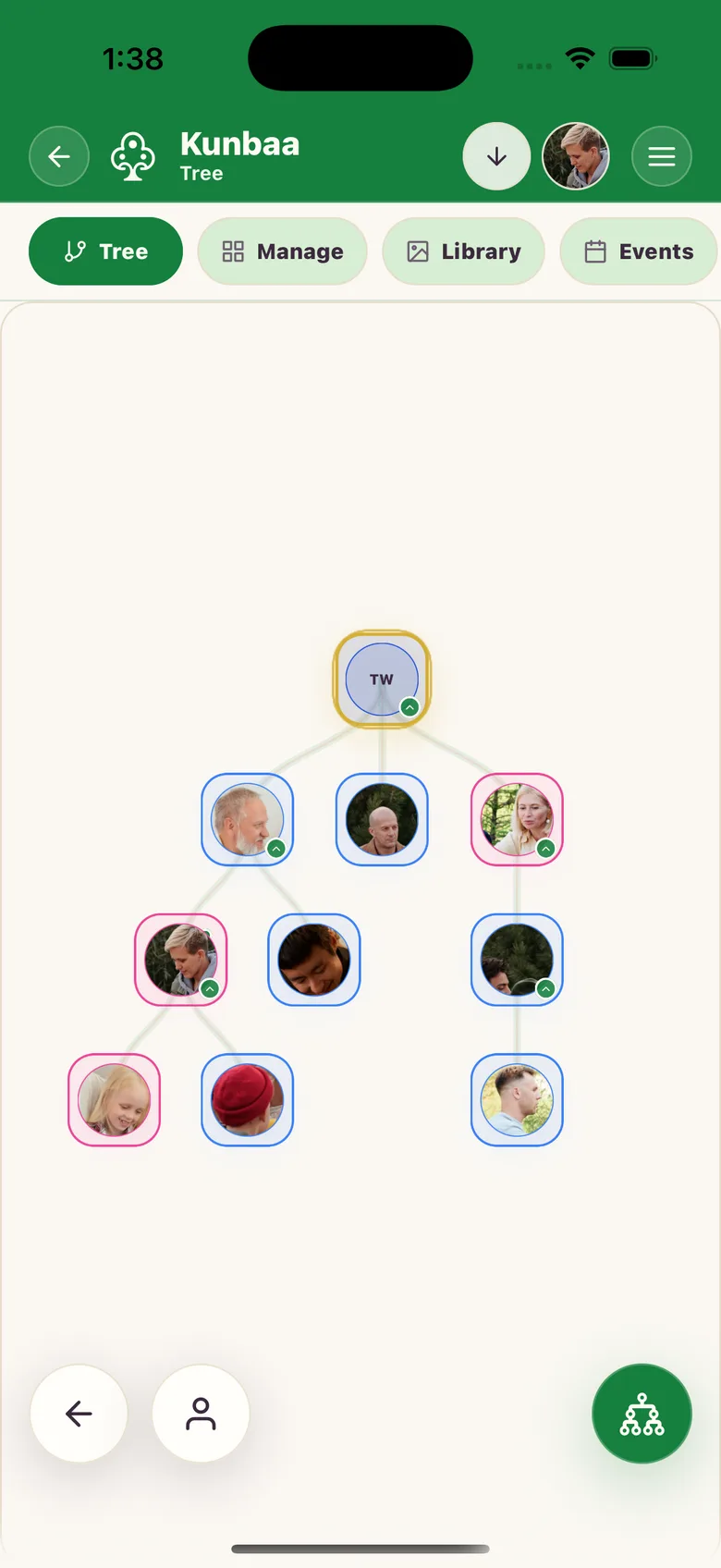
About Family Tree Builder
Build a complete family tree with privacy and power
Kunbaa's Family Tree Builder is a modern alternative to public genealogy platforms and private spreadsheets. You build the tree directly in Kunbaa — mapping parents, siblings, partners, children, and extended branches — while keeping your data under your family's control.
A family tree becomes more useful when relatives can understand the context behind the structure. Kunbaa keeps photos, notes, posts, dates, places, and memories close to the people they describe, so the tree can become a living family reference instead of a static chart.
Why families choose Kunbaa over social networks
- Private by default — the tree lives in an invite-only family space, so nobody outside it sees anything.
- Context written down — write the names, the place and roughly when into the caption of each photo, note and story.
- One private space — the tree sits beside the family's archive, posts, and events.
- Calm collaboration — invite relatives into the family workspace with account-based access.
- Accessible anywhere — mobile friendly, fast, and secure.
- Clean timelines — chronological family updates focused on context, not public feed behavior.
- Careful growth — start with verified close relatives, then expand branch by branch as family knowledge improves.
Onboarding flow: from zero to a living tree
- Create your private hub — Name the family the way relatives will recognize it in invites and future branches.
- Add yourself — Fill your profile with a short bio, photo, and birth details.
- Link core relatives — Add parents, siblings, and partner using guided prompts.
- Invite help — Send a link to relatives so they can contribute memories.
- Grow branches — Add grandparents, cousins, and in‑laws at your own pace.
- Enhance profiles — Upload photos and documents with dates and family context.
- Capture open questions — Save unsure details as notes so relatives can verify them later.
Real‑world examples
• A family digitizes grandparents' letters, linking each letter to dates and places.
• Parents build a living archive with kids’ voice notes, school highlights, and milestone timelines.
• Cousins in different countries resolve name spellings, nicknames, and relationship details without forwarding spreadsheets.
Best practices for accuracy
- Record sources where possible: birth records, wedding programs, interview audio.
- Capture approximate dates and places even when exact info is missing.
- Add short notes (“maternal line”, “immigration”, “military service”) so relatives can follow the context later.
- Schedule a monthly review session — small, steady updates compound over time.
- Avoid publishing private branches publicly; keep Kunbaa as your family’s trusted home.
- Document pronunciations and meanings of names; they are part of heritage.
- Mark sensitive notes clearly and keep them inside the private family workspace.
Frequently asked questions
Can I migrate from Ancestry or MyHeritage?
Yes, as a file. Export your tree from Ancestry or MyHeritage as a GEDCOM and import it on kunbaa.com in a browser: Kunbaa matches it against the people already in your tree and writes nothing until you confirm. Kunbaa reads nothing from those services directly. From there you build and maintain your tree in Kunbaa, and relatives help fill in the branches you do not have yourself.
Is my data used for ads?
Private family tree data stays in your family space and is not used for ad targeting.
How do I handle complex relationships?
Start with the closest confirmed relationships, then add notes and context where family structures need explanation. Keep sensitive details inside the private family workspace.
Families use the tree to connect names, stories, keepsakes, migrations, and milestones so the archive stays useful to both family historians and everyday relatives.