You did the research. Kunbaa is where the living family sees it.
Save the tree you already keep as a GEDCOM file and bring it to kunbaa.com: names, dates, places and relationships, up to 5,000 people in one file. Then your family can tap Gran and see her place in the family and her birthday.
- The file is read in your browser
- The tree has no limit on people
- Everyone in the family joins free
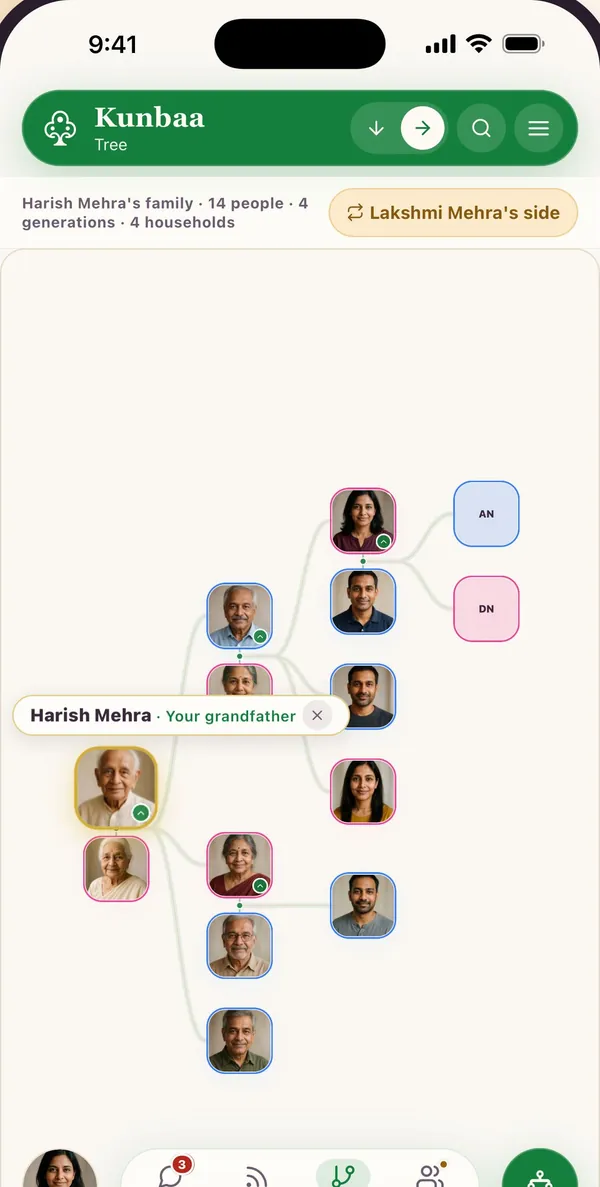
What comes across, what stays, and what Kunbaa does not do
Names, dates, places and relationships come across in a GEDCOM import, up to 5,000 people in one file. Notes, sources and photos stay in the program you exported from. Kunbaa has no records, no DNA matching and no hints.
Comes across
- Names, as the file spells them
- Birth, death, marriage, baptism, immigration and residence, with their dates and places
- Relationships: who is whose parent, partner and child
One file brings up to 5,000 people. A larger tree comes across branch by branch.
Stays in your genealogy program
- Notes
- Sources and citations
- Photos
- Fields only your genealogy program understands
Dates in other calendars are kept as text rather than converted. Keep the program your research lives in.
What Kunbaa does not do
- No historical records to search
- No DNA matching
- No hints about people you have not found yet
Kunbaa has no connection to any genealogy site and fetches nothing from one. It reads the file you choose.
If your tree lives in an app that only draws it, Kunbaa can take its place. If it lives where you do your research, keep researching there. You did the research; Kunbaa is where the living family sees it.
From a file to a tree the family can open
Years of names and dates should not have to be typed in again. Kunbaa matches the file against the people already on your tree and shows you what it will write before it writes anything. Where the file and your tree disagree about a date, the card keeps what your family recorded and the file’s value is noted beside it.
Save your tree as a GEDCOM file
GEDCOM is the plain-text format genealogy programs and research sites use to hand a tree over: a .ged file. Kunbaa reads GEDCOM 5.5.1 and 7.0. The file is your own export, and Kunbaa fetches nothing from anywhere else.Choose the file on kunbaa.com
Sign in on kunbaa.com in a browser and go to Tools → Import a GEDCOM. The file is read in your browser, and you see what it holds: how many people, families and events.Match, then confirm
The names, dates, places and family links in the file are sent to Kunbaa, and each person is compared with the people already on your tree by name and birth year. A confident match joins that person's card, a possible match waits for your call, and everyone else is added as new. Nothing is written until you have seen the summary and pressed Import.Invite the family
Open a relative's card and send their invite. They take the place you made for them and join the same tree, because it is one shared tree and not a copy.
Importing needs an editor or admin role in the family, the same permission as adding a relative by hand. The step-by-step help article walks through every screen.
Each relative takes their own place, with one invite link
An imported tree is names on cards until the people on it open it. Each relative gets one invite link of their own. It lets that one person take the place you already made for them, and from then on they join the same tree, because it is one shared tree and not a copy. A relative you let add to the tree can then add their own side of the family.
Only relatives you invite can see it. No ads. Nobody’s data is sold. One person pays; everyone else joins free.
See how invites work and how private Kunbaa is.
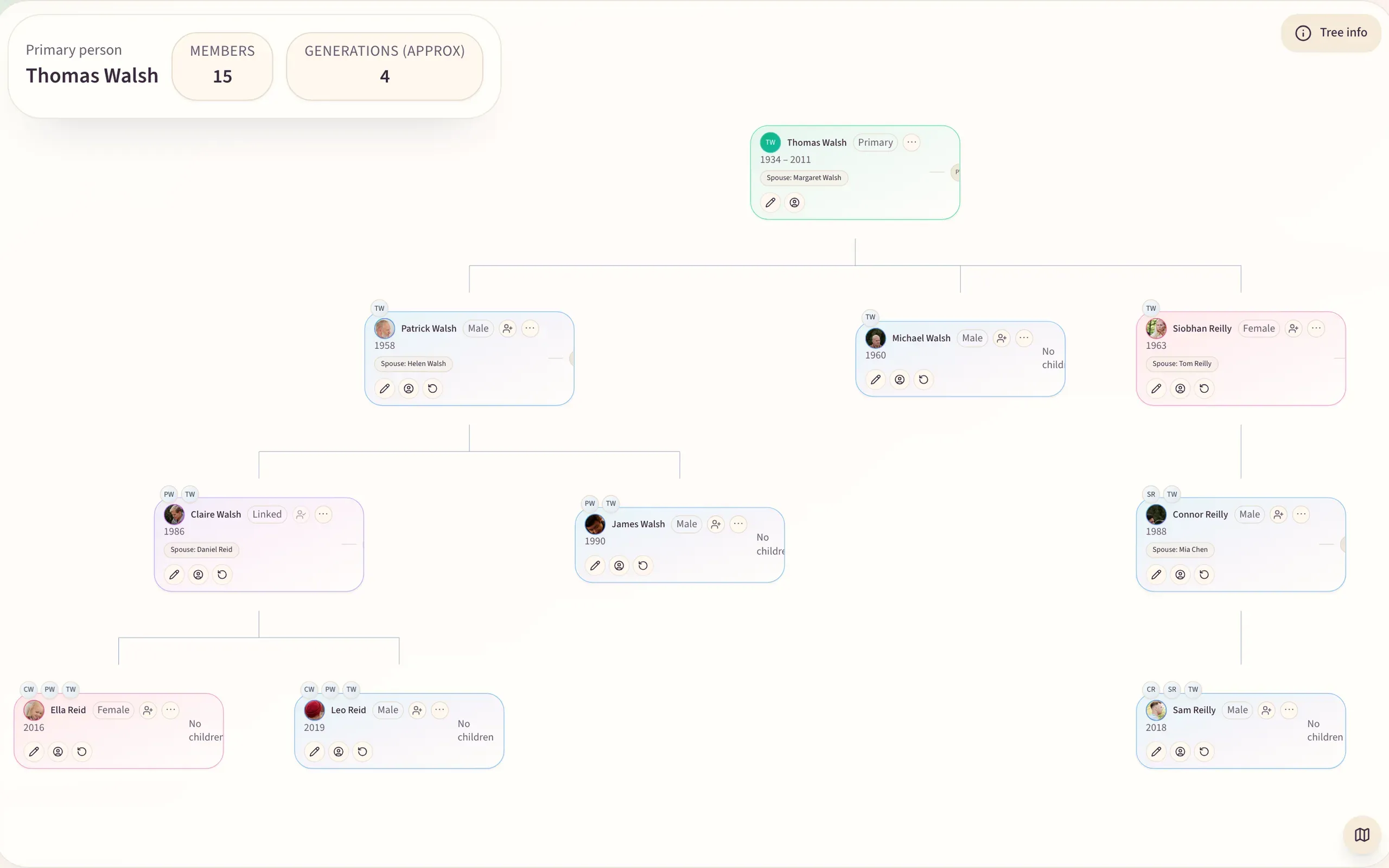
How big the tree can be, and getting your tree back
No limit on people, on any plan
The tree is free for the whole family, with no limit on how many people it holds. The one ceiling is on the file: a single import takes up to 5,000 people. A larger file is refused before anything is written, so split the export by branch and import each part.
Taking your tree back out
GEDCOM export is not switched on in this release. Ask support@kunbaa.com for a copy of your family's archive and the tree comes with it — see Getting your data out.
Questions people ask before they move a tree
More questions? Read the full FAQ or the help centre.
What comes across when I bring my family tree to Kunbaa?
Names, sex, birth, death, marriage, baptism, immigration and residence events with their dates and places, and the parent, partner and child links. One file brings up to 5,000 people.
What does not come across?
Notes, sources, citations, photos and program-specific fields stay in your genealogy program. Dates in other calendars are kept as text rather than converted. Keep the original file and the program it came from.
Does Kunbaa have records, DNA matching or hints?
No. Kunbaa has no historical records, no DNA matching and no hints. It is a private family tree for the family you have now, so keep your research where you do it. You did the research; Kunbaa is where the living family sees it.
Is there a limit on how many people I can bring?
No plan limits how many people your family tree holds, and an import is never paused for one. The one ceiling is on the file: a single import takes up to 5,000 people. A larger file is refused before anything is written, so split the export by branch and import each part.
How do my relatives get onto the tree?
Each relative gets one invite link of their own. It lets that one person take the place you already made for them on the tree. Only relatives you invite can see the tree, and everyone you invite joins free.
Is the file uploaded to Kunbaa, and what is sent?
The file itself is not uploaded or kept. The names, dates, places and family links in it are sent to Kunbaa to be matched against your tree, and are written to the tree only when you confirm.
Can I export a GEDCOM from Kunbaa?
GEDCOM export is not switched on in this release. Ask support@kunbaa.com for a copy of your family's archive and the tree comes with it — see Getting your data out.
What does it cost?
The tree is free for the whole family, with no limit on how many people it holds. Importing is part of the free tree. Kunbaa Plus is $15.99 a month or $159.99 a year, and it is for keeping: photos and videos shared in chat are kept while your family is on Plus, with room for the whole family's archive. One person pays; everyone else joins free.