Private Family Photo Sharing
Your mother finds the box of wedding photos from 1978 and knows every face in them. Share them once, into a space only your family can enter — and each photo keeps her answer in the caption: the names, the place and roughly when.
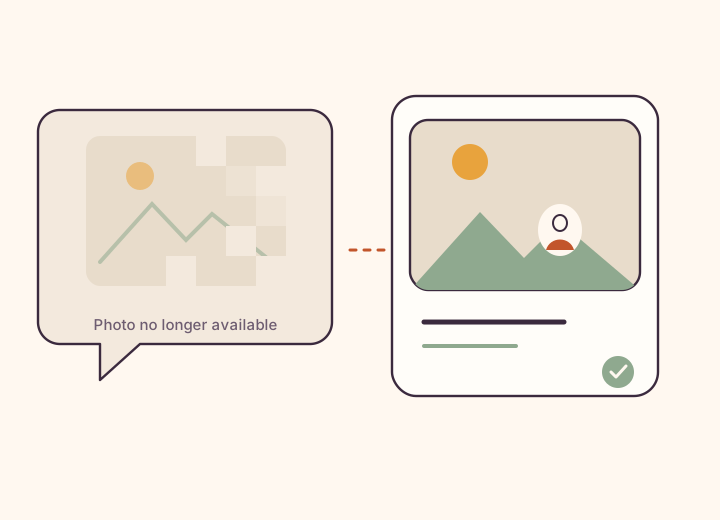
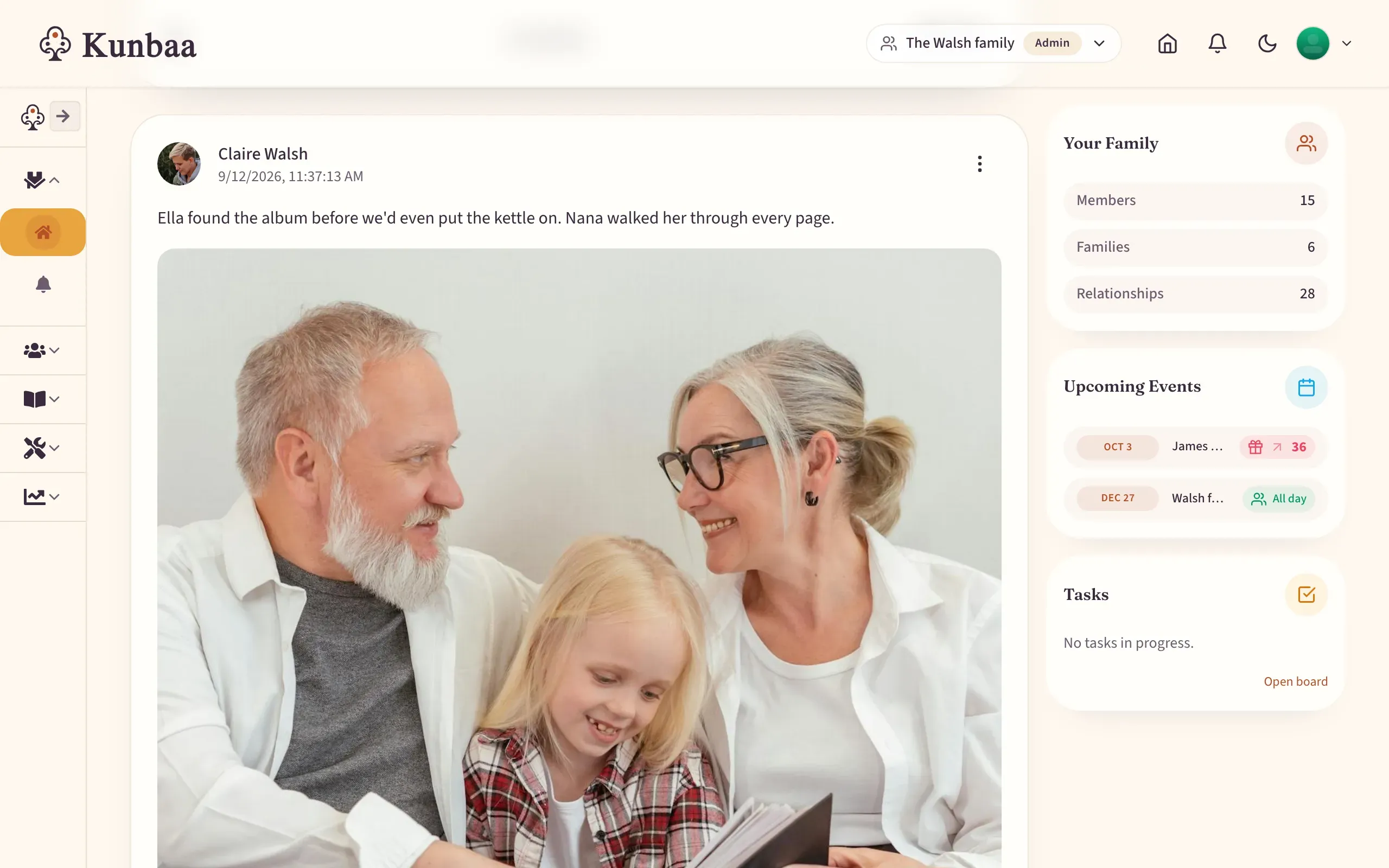
Kunbaa is a private family photo sharing app: photos go into an invite-only family space — no public profiles, no ads — where every relative sees the same wall. Each photo keeps a caption with the names, the place and roughly when, a family tree beside it shows who everyone is, and everyone in the family joins free.
How do you share photos with family privately?
Share into a place with a door, not a link: relatives come in by invitation from someone already inside and see the whole family wall, not a dozen albums each shared with a different few.
Photos are kept at the quality you upload, and voice notes and videos go on the same wall. Read more in photos and voice notes on the wall.
Why do family photos need names and dates?
A phone knows a face keeps appearing, not that she is your great-aunt, that this was her wedding in Amritsar, or that it was around 1971. In twenty years, nobody will be left to say.
In Kunbaa, each photo carries a caption with the names, the place and roughly when, and everyone in it has a place on the family tree. See how the family archive keeps the family’s photos over the years.
Is there a Google Photos alternative for family sharing?
Keep Google Photos or iCloud for backing up your own phone. Kunbaa is where the family’s photos are shared and kept together, with the people in them named.
| Kunbaa | Google Photos shared albums | iCloud Shared Albums | |
|---|---|---|---|
| Organized around | Your family — one private space with a family tree at the centre | Your personal library, with albums you choose to share | Your personal library, with albums you choose to share |
| Who can see a shared photo | Only relatives signed in to your invite-only family space — no public profiles, not searchable — and per post you can narrow it to your extended family or your household | The people you share with; with link sharing on, anyone who has the album link can view it | The people you invite; with Public Website turned on, anyone with the album's iCloud link can view it |
| Who is in the photo | Names, the place and roughly when are written in the caption, beside a family tree that shows who everyone is | A caption, if someone writes one | A caption or comments, if someone writes them |
| Beyond photos | Family tree, birthdays and events with reminders, and family chat in the same place | Backup, search and editing for your own library — excellent at it | Built into Photos across Apple devices, with comments and reactions |
| Price | Everyone joins free; one person pays for Kunbaa Plus ($15.99/mo or $159.99/yr) to keep the whole archive | Free to share; your own storage is part of your Google account | Free to share; your own storage is part of your iCloud plan |
What about FamilyAlbum?
FamilyAlbum is a lovely, affordable way to share a child’s growing up with the grandparents, with generous free storage. Kunbaa points the camera at everyone — the elders whose photos nobody can retake as much as the newest grandchild — and keeps them on a family tree; the Kunbaa vs FamilyAlbum comparison goes through it side by side.
If your family photos currently live in a WhatsApp group, read whether WhatsApp photos expire and how to preserve old family photos.
Frequently asked questions
What is the most private way to share photos with family?
Share them into a space only your family can enter: invite-only, with no public profiles, no public links to your wall, nothing searchable, no ads, and nobody's data sold.
Is Kunbaa a Google Photos alternative for families?
For sharing with family, yes; for backing up your own phone, no. Keep Google Photos for backup, search and editing, and use Kunbaa for the photos the family should keep together — posted once, seen by everyone, with the names, the place and roughly when in each caption.
How is it different from an iCloud shared album?
A shared album is one album shared with whoever you invite; Kunbaa is one family space, where every relative sees the same wall and a family tree beside it shows who is in the photos. Apple's shared albums are built into Photos on Apple devices and, with iOS 27, share at full resolution and let people join on the web.
Are photos compressed?
No. Photos are kept at the quality you upload. Kunbaa makes smaller copies for thumbnails, but the original is what is stored.
Can I download all our photos at once?
Not yet — there is no download-everything button in the app or on the website. Email support and we put the family's complete archive together — photos, videos, voice notes and the tree; the help page on getting your data out explains how.
Is it encrypted?
Kunbaa is not end-to-end encrypted, and we say so plainly. Private in Kunbaa means invite-only, no ads, nobody's data sold, and nobody outside your family space can see anything.
What does it cost?
Everyone in the family joins free and can start sharing photos. One person pays for Kunbaa Plus at $15.99/mo or $159.99/yr (17% less, about $13 a month for the whole family yearly), on kunbaa.com, which keeps longer videos, room for the whole archive, and the photos and videos from the family chat — the free plan keeps chat media for a year.
More questions? Read how private Kunbaa is, getting your data out, or the family memory app page — or why the everyday ones matter, in capturing family moments.
Everyone in the family joins free.
Start the tree, invite the family and share the first photos at no cost. When the archive grows, one person pays for Kunbaa Plus — $15.99/mo or $159.99/yr — and everyone else stays covered.