Bring the tree
A GEDCOM file from your research program, imported on kunbaa.com.
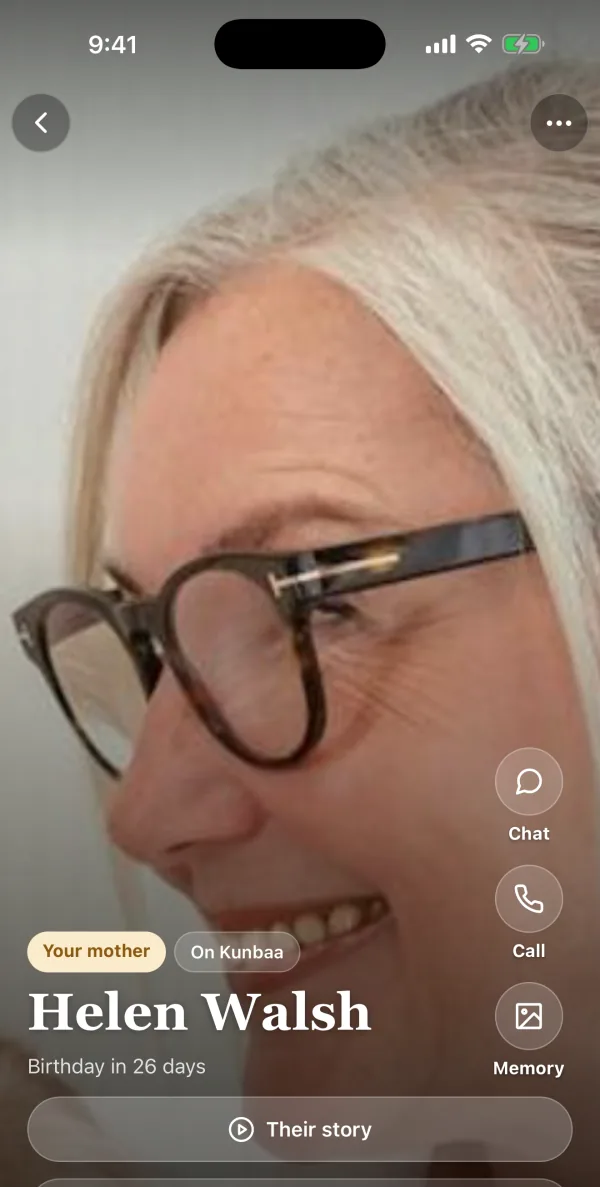
Bring your research in as a GEDCOM file and invite each relative to their own place on the tree. They join free, see where they fit and add what they remember.

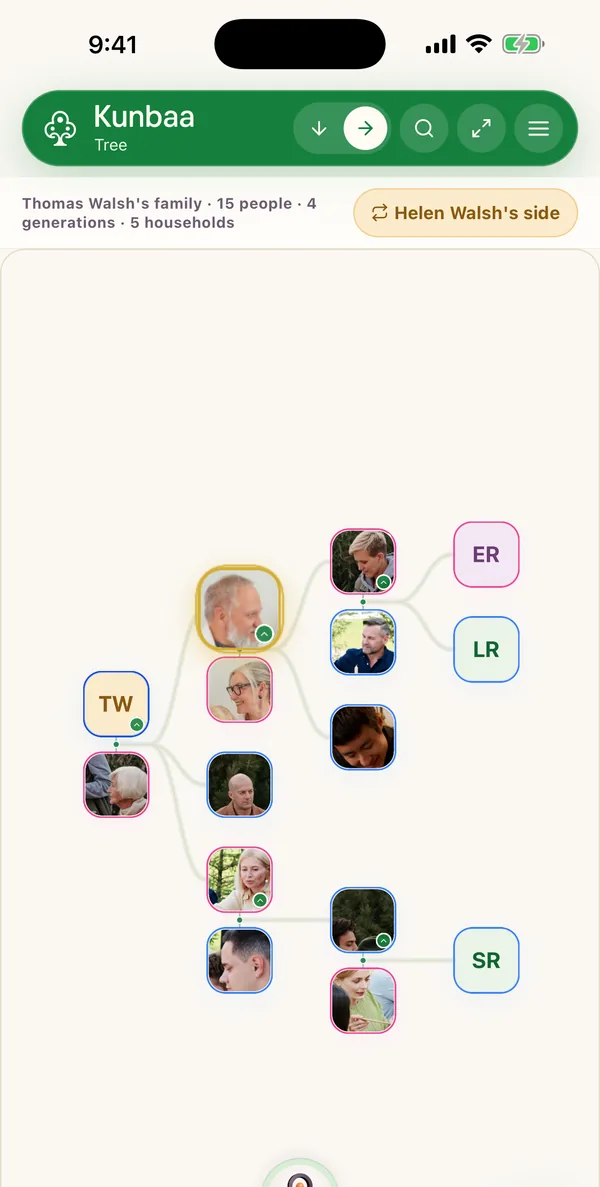
Export a GEDCOM file from the program you research in and import it on kunbaa.com. Up to 5,000 people come across in one file, and Kunbaa shows you what it will write before it writes anything.
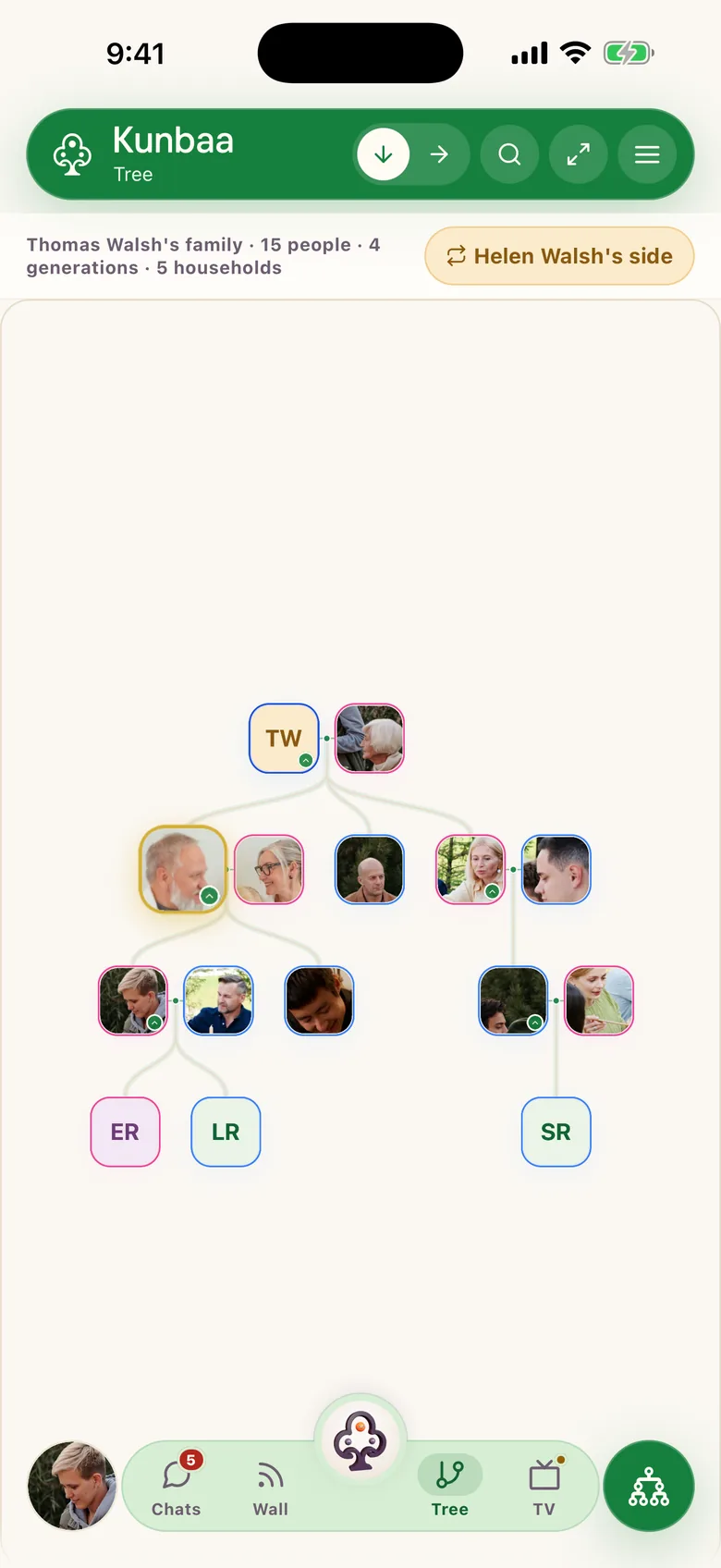
Each invite lets one person claim the place already made for them on the tree. Send it privately, the way you normally reach them. A link sent without an address waits for you or an admin to let them in.
A cousin adds her children. An aunt names the faces in a wedding photo. Gran's birthday gets a reminder on the day. The tree stops being yours alone and becomes the family's.
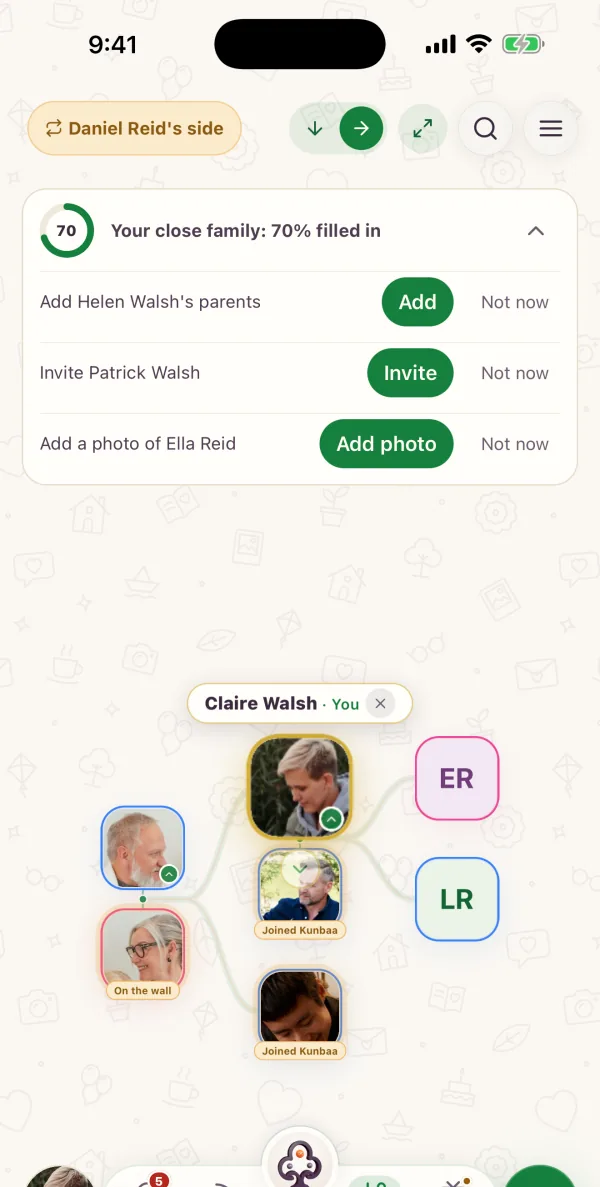
Export your tree as a GEDCOM file from the program you research in, bring it into Kunbaa on kunbaa.com, and send each relative their own invite. Each one joins free, lands on their own place in the tree and can add what they remember. Your research stays where it is; Kunbaa is where the living family finally sees it.
Most relatives will never sign up for a research site, learn its menus or read a pedigree chart. They will open a link from you, find their own name and their parents' names, and tell you who is in an old photo. Kunbaa is built for that second group: a private family space where every relative has a page, not a research tool.
People, names, dates, places and family links come across. Notes, sources and the photos attached in your research program do not. The file itself is not uploaded or kept. The names, dates, places and family links in it are sent to Kunbaa to be matched against your tree, and are written to the tree only when you confirm.
A family on Kunbaa Plus or Kunbaa Ultra can download its tree as a GEDCOM file on kunbaa.com: an admin or editor opens Family, then Export your tree. On the free plan, ask support@kunbaa.com for a copy of your family's archive and the tree comes with it. See Getting your data out.
The tree is free for the whole family, with no limit on how many people it holds. Every relative joins free. Kunbaa Plus adds room for scanned albums and long videos, every gathering planned at once and the tree back out as a GEDCOM file; see pricing.
More questions? Read the full FAQ or the help centre.
Bring the tree into Kunbaa as a GEDCOM file on kunbaa.com, then invite each relative to their own place on it. They need no research account: they open the invite, join free and see the family tree with their own page on it.
No. Everyone you invite joins free. One plan covers the payer's own household if your family ever wants the extra room.
They see the family tree as it is in Kunbaa, not your research files. Notes and sources are not imported, and you choose what each relative can do before you send the invite.
No. Keep researching where you research. Kunbaa does not search records or match DNA. It is where the living family sees the tree and adds to it.
A family on Kunbaa Plus or Kunbaa Ultra can download its tree as a GEDCOM file on kunbaa.com: an admin or editor opens Family, then Export your tree. On the free plan, ask support@kunbaa.com for a copy of your family's archive and the tree comes with it. See Getting your data out.
Yes. A sample family is open at kunbaa.com/demo/family with no sign-up.