Christmas Friday 25 December 2026
Christmas card for your family
Type your family's name, pick a style, an animation and a line, and send it before the table is laid. Free, and nothing to sign up for.
Plan Christmas with family in different countriesUp to 32 characters, any language. It goes on the card and in the link, and nowhere else.
Everyone in the family joins free, and your relatives see only what you share with them.
Start your family's tree, freeHow Kunbaa keeps your family close
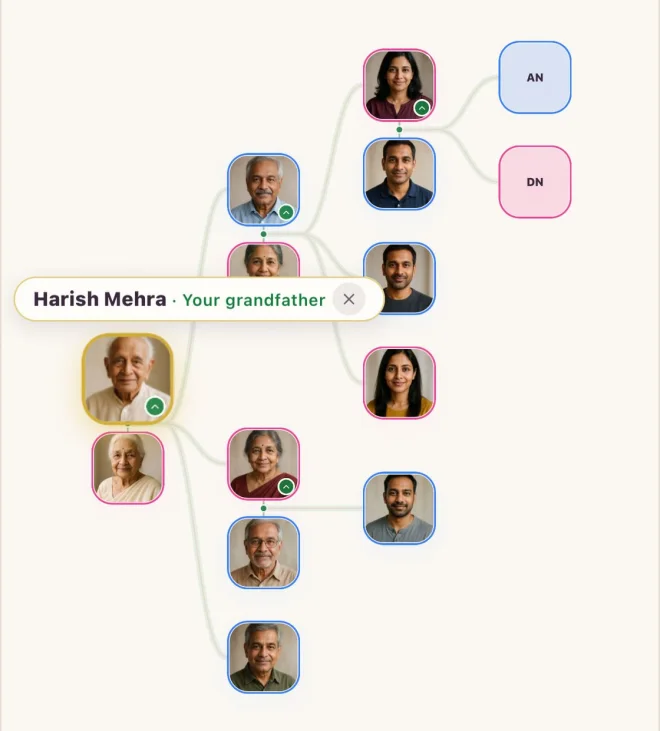
The family tree
Every branch in one place, across countries.
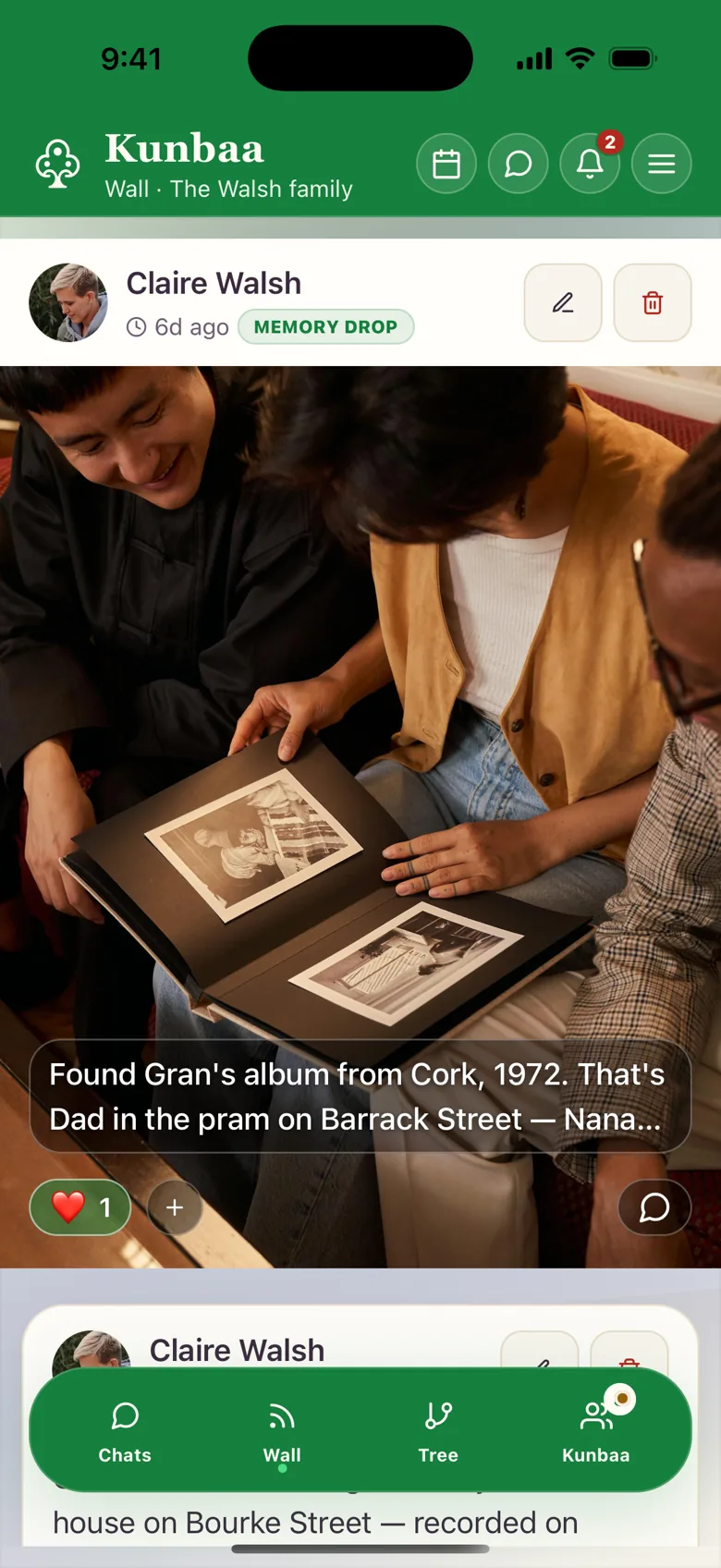
Moments
Festival photos you share with your family.
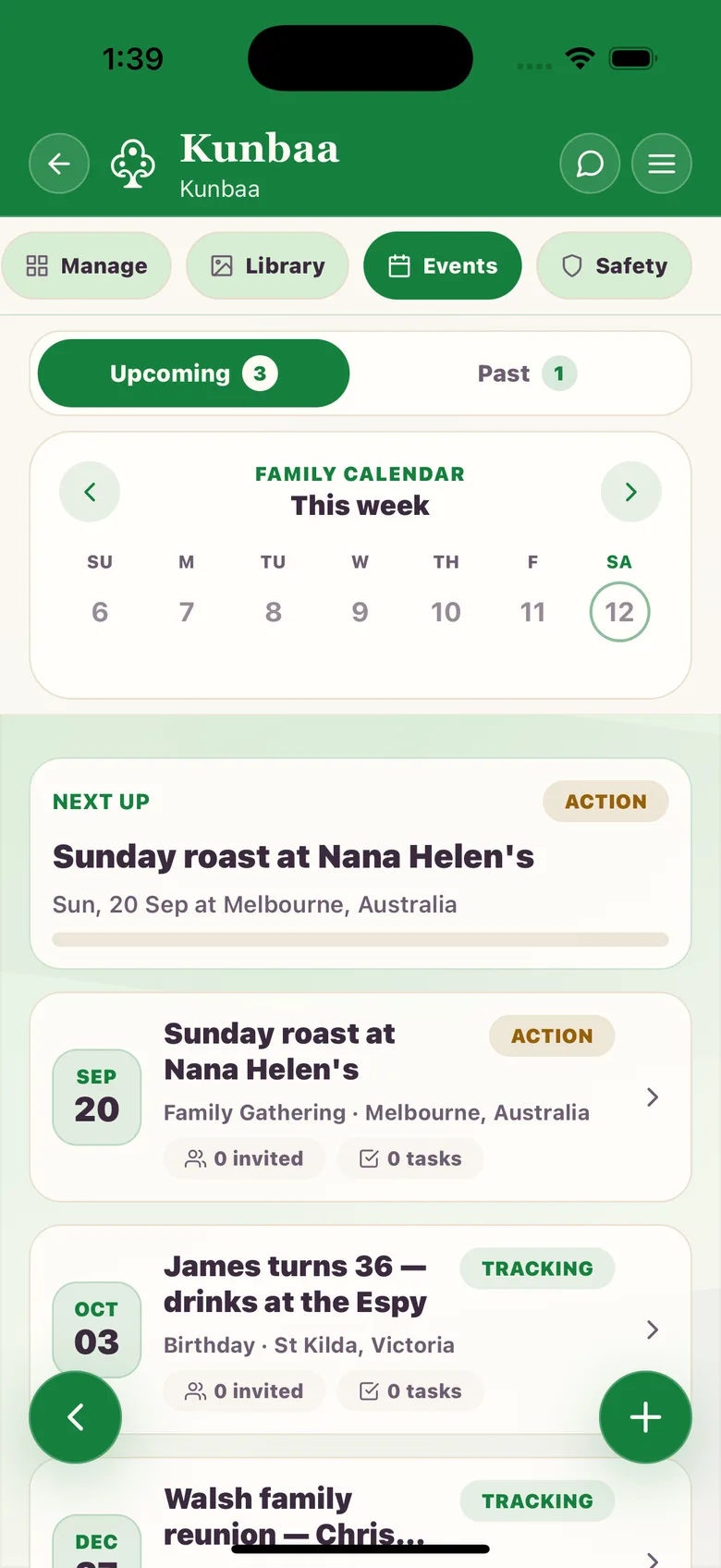
Festivals and events
Plan Christmas together: who hosts, who brings what.
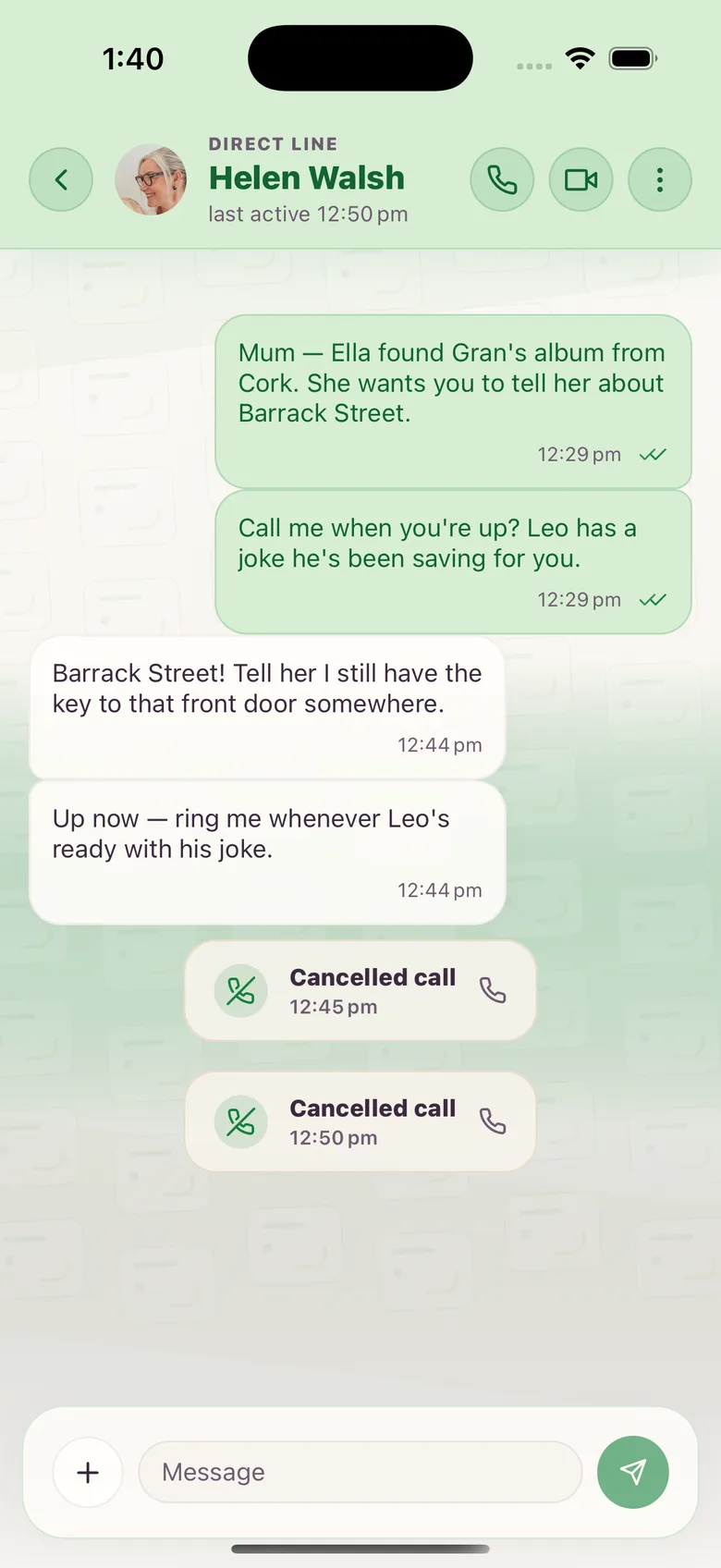
Chat and calls
Talk every day, one-to-one voice and video.
Frequently asked questions
More questions? Read the full FAQ or the help centre.
When is Christmas in 2026?
Friday 25 December 2026, on the same date everywhere. Send the card on the day, or a few days before for the family far away.
What does the Christmas card look like?
Warm and plain: an evergreen tree, candlelight or a winter star, in gold on a deep colour, with a short wish for the whole family. No figures and no scripture.
Is the Christmas card free?
Yes. Make as many cards as you like, with nothing to sign up for.
Does Kunbaa keep my card or my family's name?
No. The card is drawn when someone opens the link and nothing is stored. The name you type travels in the link you share, and that is the only place it goes.
Does the person I send it to need Kunbaa?
No. They open the link or the picture in WhatsApp, Instagram or any app. If they want to make their own, the page shows them how.
How do I put it on my WhatsApp Status or Instagram Story?
Choose the Story shape, then Share the card. On an Android phone with Chrome it opens your share sheet with the picture ready; elsewhere it saves the picture to add from your photos.