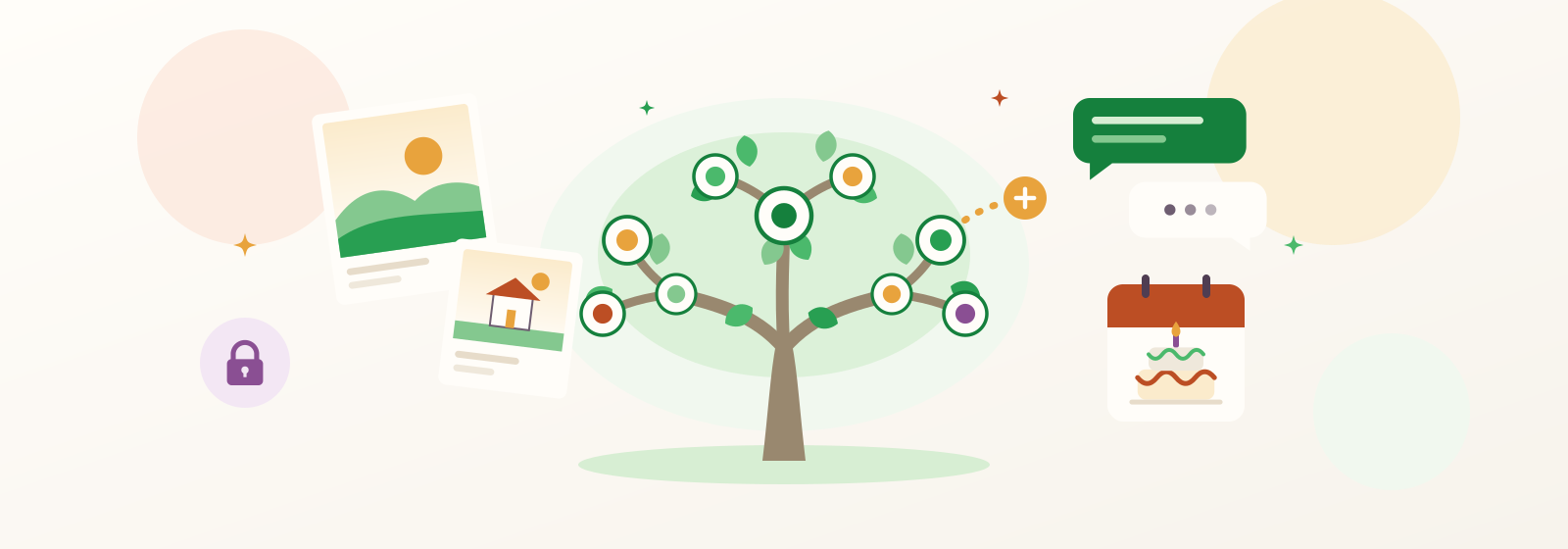
If you care about family, Kunbaa is a must-have app
You already care. You remember your mother's birthday, you save the photo of your grandfather's old house, you mean to call your cousin back. The hard part is not the caring. It is that caring is scattered: birthdays in one person's head, photos on six different phones, the story of how the family came to this city known only to the one aunt who tells it. This piece is about what a family app should actually do about that, and why Kunbaa is the one we would hand to every family.
Why it matters more than it looks
Staying close to family is not a nice-to-have. The Harvard Study of Adult Development has followed its participants since 1938, and its researchers report that close relationships, more than money or fame, keep people happy throughout their lives. Close relationships do not look after themselves, though. They live on small things: the birthday remembered, the photo with a name on it, the call that happens because it was easy to make.
What a must-have family app has to do
- Hold the whole family, not one household. Grandparents, cousins abroad and the in-laws who became family, in one place.
- Know who everyone is. A real family tree, so nobody has to ask which cousin is whose.
- Keep photos and stories findable. With the names, the place and roughly when, so a picture still means something in thirty years.
- Make talking easy. Chat and calls next to the people and memories you are talking about.
- Remember the dates. Birthdays and family events that remind everyone, not just the person who keeps the calendar.
- Stay private. Invite-only, no ads, nobody's data sold, and free for relatives to join.
Kunbaa is built around exactly that list. Kunbaa is a North Indian word for the whole extended family, not just the people under one roof, and the app is made at that scale: many households, several generations, every side of the family.
A short walk through the tree, the archive, events and the family wall, and how a family gets started.
1. A living family tree that everyone grows
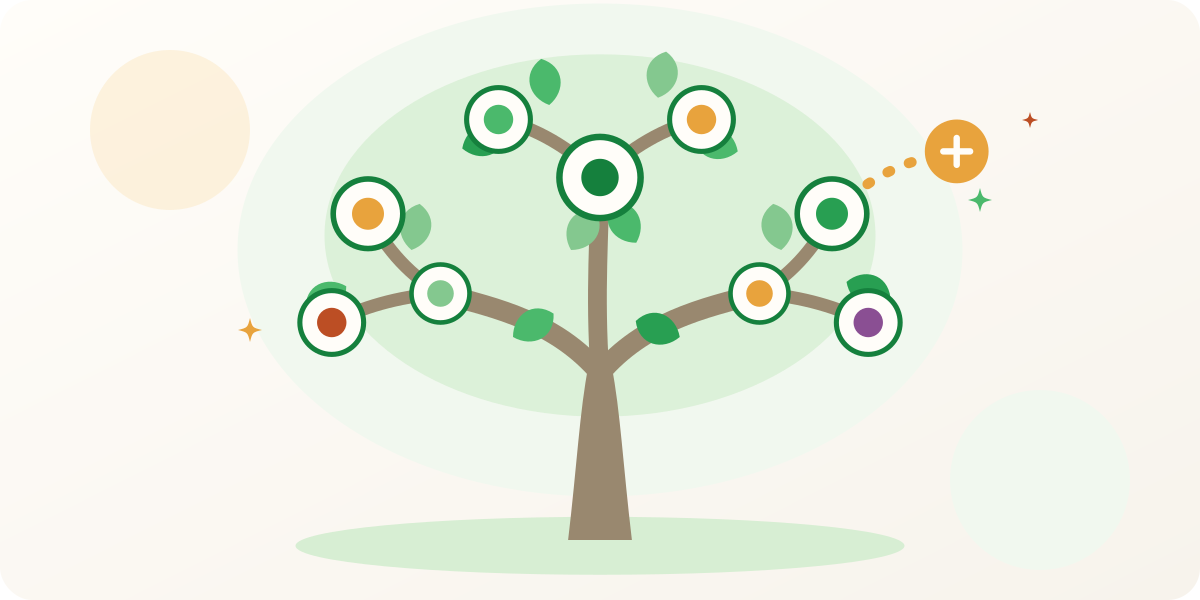
The Kunbaa family tree is where the family starts. You add the people you know, then invite a relative from each side, and they add their own branch: your partner's side, the cousins overseas, the great-aunt nobody could quite place. The tree fills out without one person doing all the work. It answers "how are we related?" for the younger ones, keeps everyone's birthdays, and gives every photo and story a person to belong to. Already have a tree somewhere else? You can import a GEDCOM file on the website.
Add yourself, your parents and your grandparents, then invite one relative from each side to add theirs.

2. A private archive for the photos and stories
The scanned albums, the wedding video, the voice note of a grandmother explaining a recipe: in a group chat they sink under the next hundred messages. In Kunbaa they go into a private family archive, with the names, the place and roughly when written alongside, on the profile of the relative who shared them. The family wall, Moments, shows what everyone posts, newest first, with no algorithm deciding what you see. Relatives react and comment, and the photo stays connected to the people in it.
3. Chat, calls and Sparks for the everyday
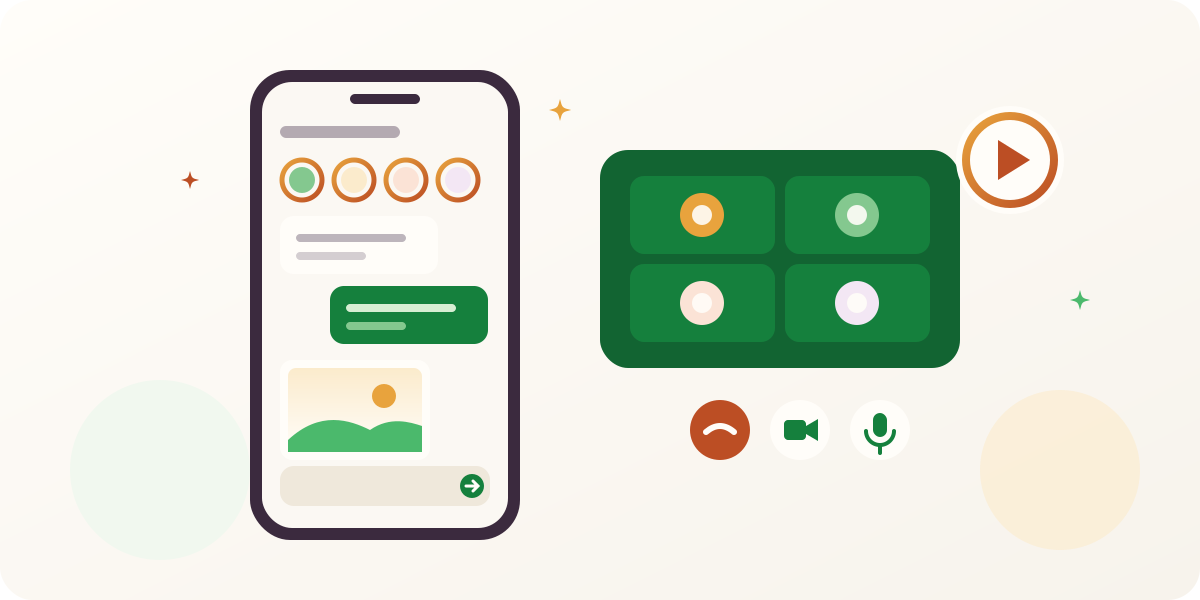
Caring is mostly ordinary days. Kunbaa has family chat for the whole family, for a household or for one person, and voice or video calls: one-to-one from the top of any chat, or a group call from a family group chat. Nobody needs anyone's phone number, because only the relatives you invited can reach you. Sparks are short videos for the family (a birthday message, a first step, a kitchen disaster) that last a day, and relatives react with a tap.
4. Birthdays and events nobody forgets
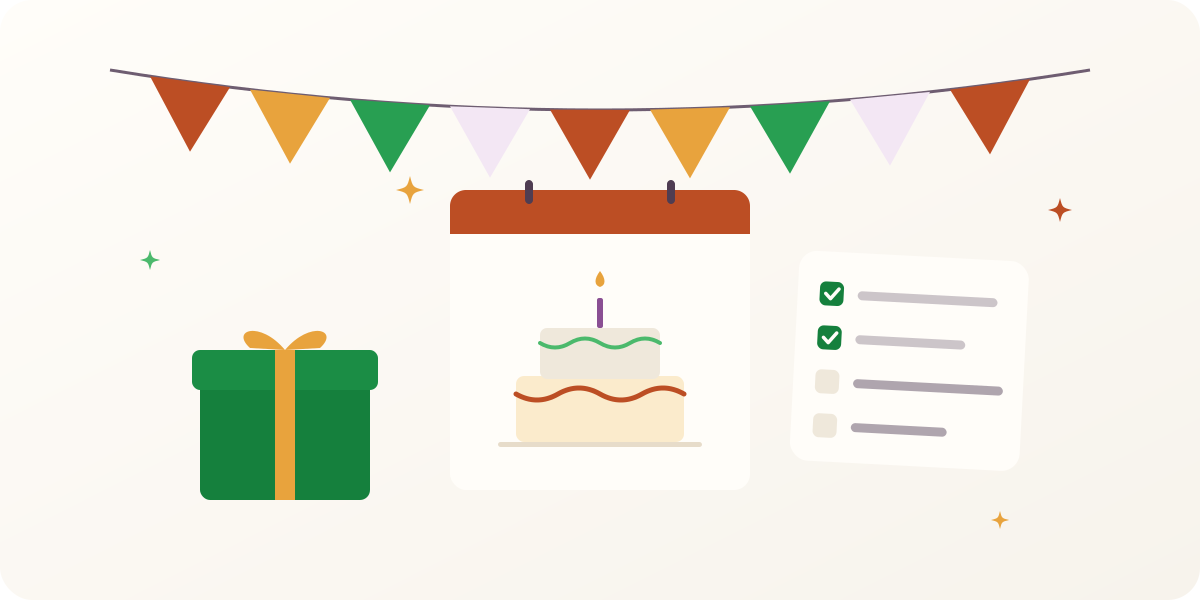
Birthdays live on the tree, so the family remembers together instead of relying on whoever keeps the calendar. For everything else there are family events: a birthday dinner, an anniversary, a trip or a reunion. Pick who is invited, and reminders keep everyone aware while a shared to-do list shows who is bringing what. Afterwards, the photos attach to the event, so it becomes part of the family archive instead of a dead calendar entry.
5. Private by design, not by setting
Family life is not content. The first photos of a newborn, a grandparent's health update, an argument about whose recipe it really is: these belong at the kitchen table, not on a public profile. Kunbaa is invite-only, with no public profiles and no way to search for a family. There are no ads, and nobody's data is sold. Each post can go to everyone, your extended family or only your household, and who can see a post is worked out from the tree and enforced on our servers. The privacy guide spells out exactly what private means here.
Free for the whole family
Nobody should have to ask a relative for a credit card before they can see the family photos. Everyone in the family joins Kunbaa free. When the archive grows, one person can move the family to Kunbaa Plus, with room for the whole family's archive, and everyone else still joins free.
How to start this week
- Day one: create your family and add yourself, your parents and your grandparents.
- Day two: invite one relative from each side of the family and ask them to add their branch.
- Day three: share ten photos that matter, and write who is in each one.
- Day four: add the next family birthday or get-together as an event.
- Every week after: one story, one photo, one call. That is what caring looks like when it is easy.
Invite-only, no ads, and everyone in the family joins free.
FAQs
- What makes Kunbaa different from a family group chat?
- A group chat is a stream: the newest message wins and last year's photos sink out of reach. Kunbaa is a home for the family: a family tree that knows who everyone is, an archive where photos and stories stay findable with names attached, events that remember the dates, and chat and calls beside all of it.
- Is Kunbaa free?
- Yes. Everyone in the family joins free, and the tree, the archive, events, chat and calls all work on the free plan. When the archive grows, one person can move the family to Kunbaa Plus for more room, and everyone else still joins free.
- Who can see what our family shares?
- Only the relatives you invite. There are no public profiles and no way to search for a family, and each post can go to everyone, your extended family or just your household.
- Is Kunbaa end-to-end encrypted?
- No, and we say so plainly. Everything travels encrypted between your device and our servers. Private on Kunbaa means invite-only, no ads and nobody's data sold. The privacy guide in Help explains exactly what that covers.
- Can children use Kunbaa?
- Accounts are for adults, 18 and over. Children belong in the tree and the photos, added by the grown-ups who love them, without another app collecting data about them.
- Does Kunbaa work on the web or only in the app?
- Both. The family tree, the photo archive, the family wall and events work on kunbaa.com. Chat, calls and Sparks live in the Kunbaa mobile app, and anything you add on the website shows up there too.
- Do we have to leave our group chat?
- No. Kunbaa does not ask anyone to leave anything. Start with what a group chat loses (the photos with names, the birthdays, who is whose cousin) and let the conversations follow.
Preserve stories that outlast chat threads
Organize memories with dates, people, and places inside a private family workspace.
- Context that lastsWrite who, where, and when into every caption.
- A calm timelineFind moments years later without scrolling a feed.
- Respectful privacyNo ads, no data sales.
A quiet recap of what you missed
Kunbaa writes each member a short recap of the family updates they missed — drawn from your own archive, delivered as a notification, and never used to train public models.
- Written for youNew photos, upcoming birthdays, tasks with your name on them.
- Only what you can seePermission-scoped to your own account — nothing more.
- Read-onlyIt summarises. It never posts, edits, or changes anything.
Popular features
A few favorites families start with
Share milestones without losing them in noisy feeds.
Learn moreBuild a private tree with profiles, memories, and family context.
Learn morePlan birthdays, reunions, and check-ins with shared tasks.
Learn moreRelated posts
More reading on similar topics
Designing Private Family Networks
Oct 01, 2024 · 7 min read
A privacy-first blueprint for ownership, consent, and calm design with structured family memories.
 Kunbaa Team
How to Create a Family Tree Online with Photos and Videos
Feb 18, 2025 · 10 min read
Use Kunbaa’s family tree builder to map relatives, attach photos and stories, and collaborate in a private family workspace.
Kunbaa vs WhatsApp for Family Calls: Who Each Is For
Sep 17, 2026 · 7 min read
A Kunbaa call can only come from a relative in your family space — no phone number handed out — and it starts beside the tree and photos you are talking about. WhatsApp carries the calls with a whole room on them. Here is what each one is actually for.
Kunbaa Team