Family tree
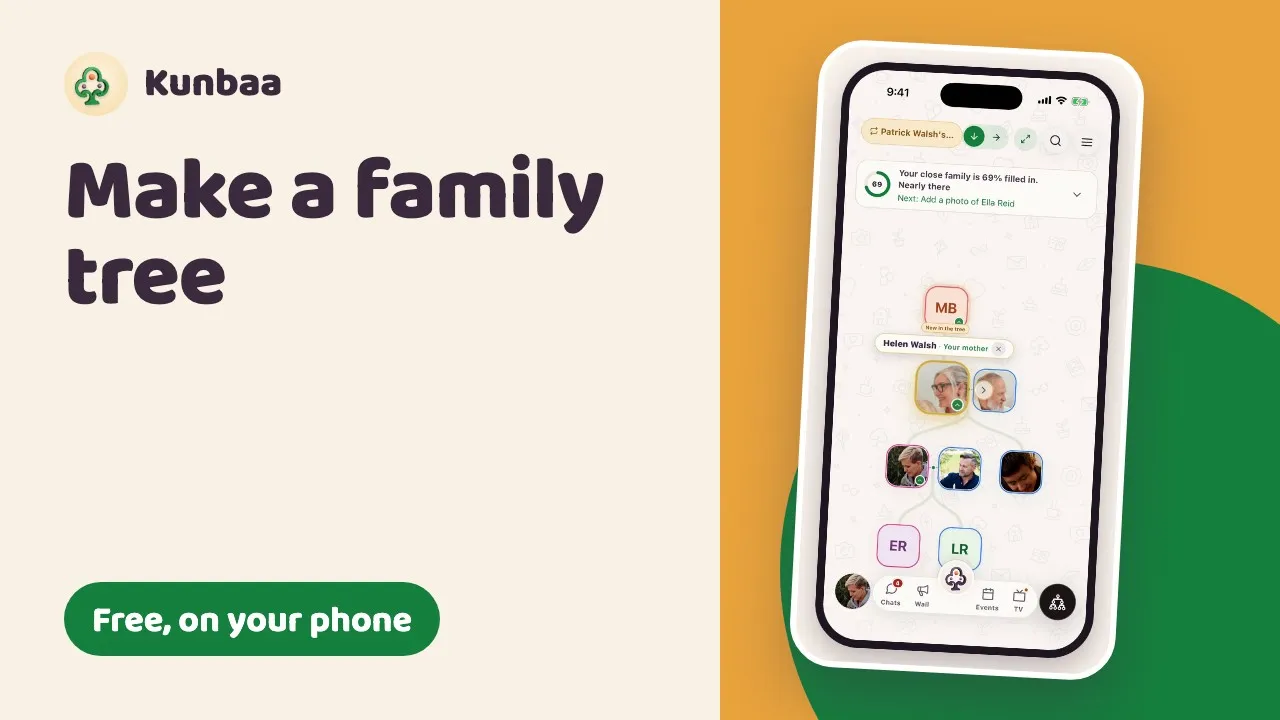
Add relatives, look at the tree from anyone's place, mark those who have passed, and choose who can add.
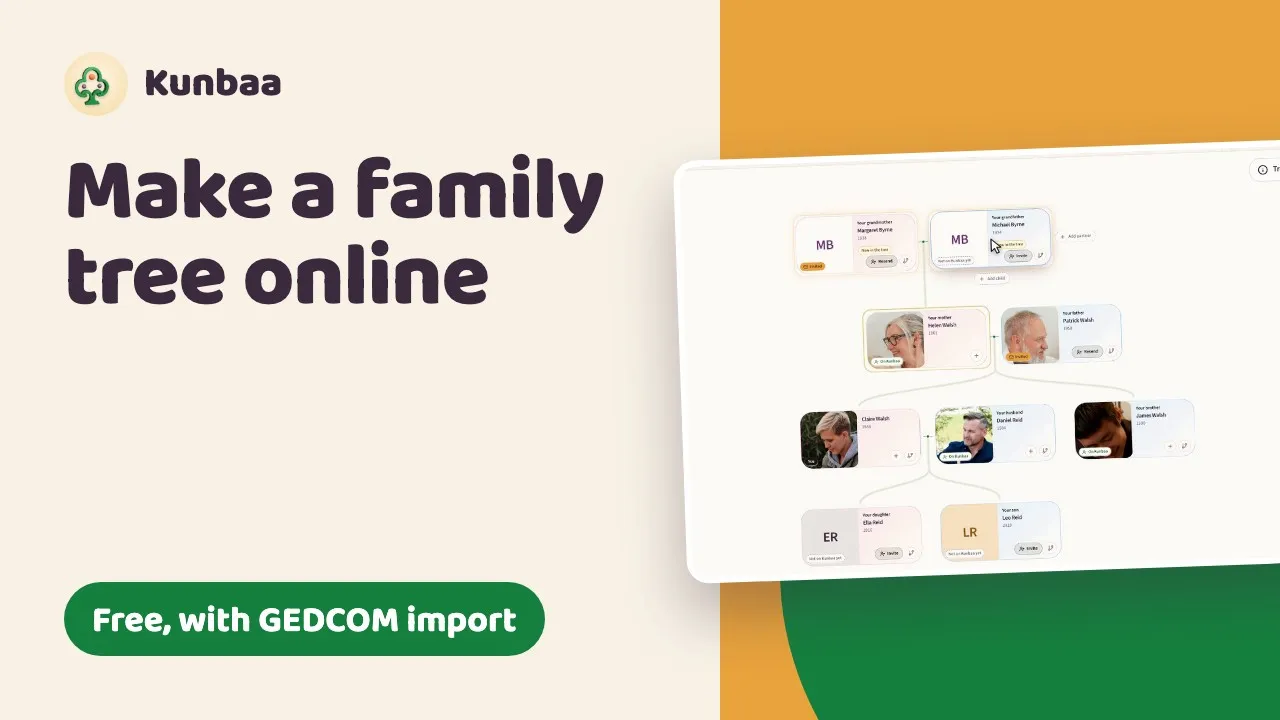
- How to build your family treeFrom one person to every generation: adding relatives, faces, and viewing the tree from anyone's place.
- Marking a relative as passed awayWith a date, or 'date unknown': what changes on their card, in chat and in invites.
- Merging two family treesPropose, preview, accept. Every detail the two trees disagree on is kept as a detail to confirm.
- Importing a GEDCOM fileBring a tree from MyHeritage, Ancestry or another genealogy program into Kunbaa on the web, matched to the people you already have, and confirmed before anything is written.
- Member permissions and access levelsAdmin, Can post and View only; the three switches an admin sets; asking for more access.
Watch how
Still stuck? Email us.
A person reads every message and replies as soon as they can.