Bhai Dooj 10 or 11 November 2026
Bhai Dooj greeting card for your family
Type your family's name, pick a style, an animation and a line, and send it to your brothers, sisters and cousins before the day. Free, and nothing to sign up for.
Bhai Dooj and the rest of the Diwali season, with datesUp to 32 characters, any language. It goes on the card and in the link, and nowhere else.
Everyone in the family joins free, and your relatives see only what you share with them.
Start your family's tree, freeHow Kunbaa keeps your family close
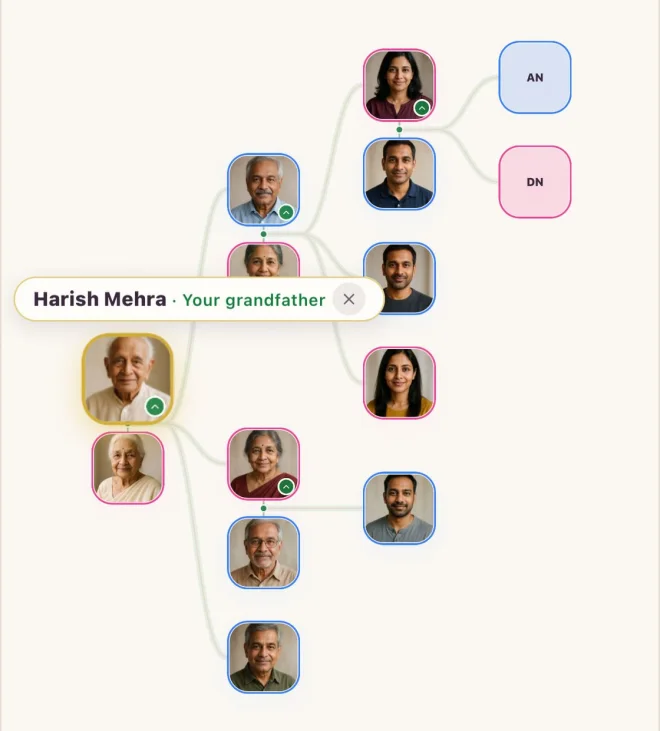
The family tree
Every branch in one place, across countries.
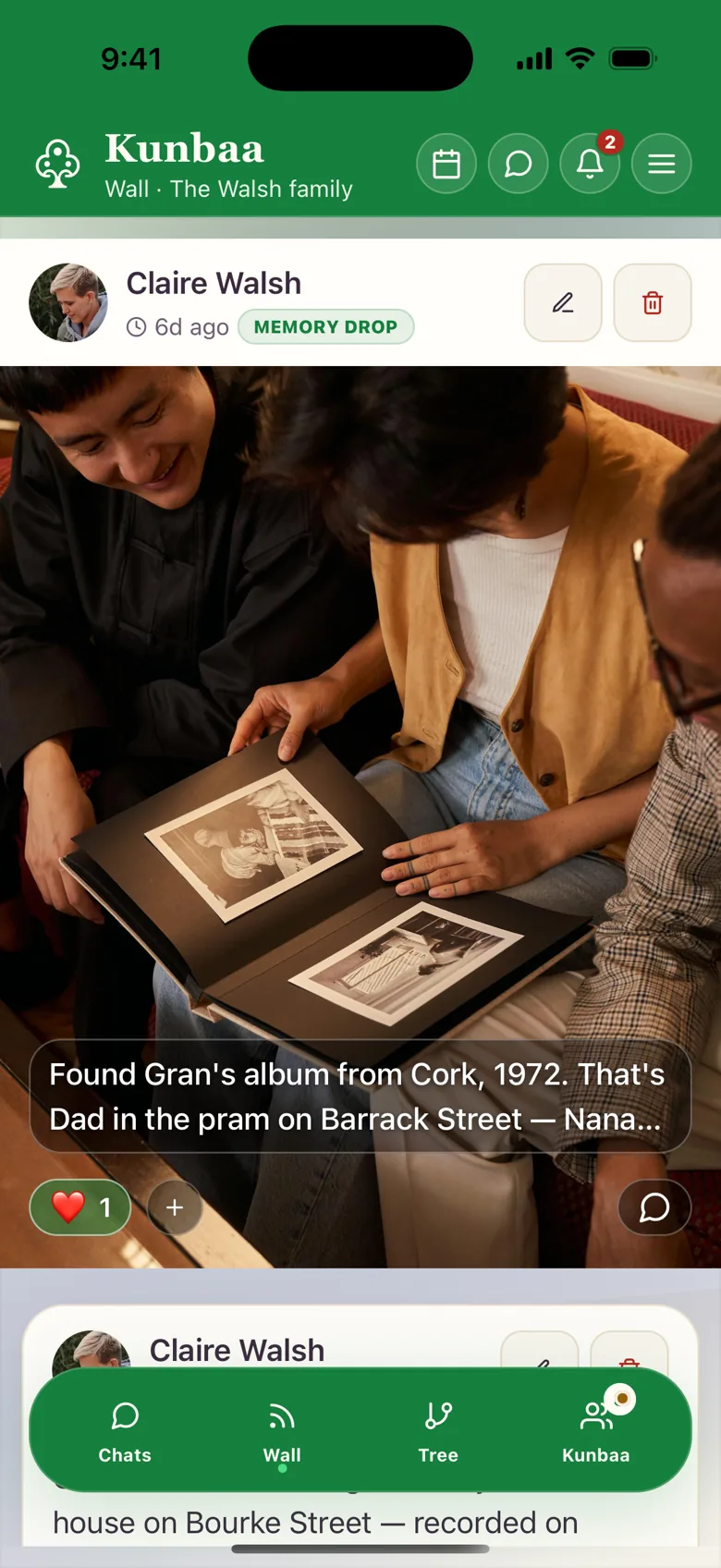
Moments
Festival photos you share with your family.
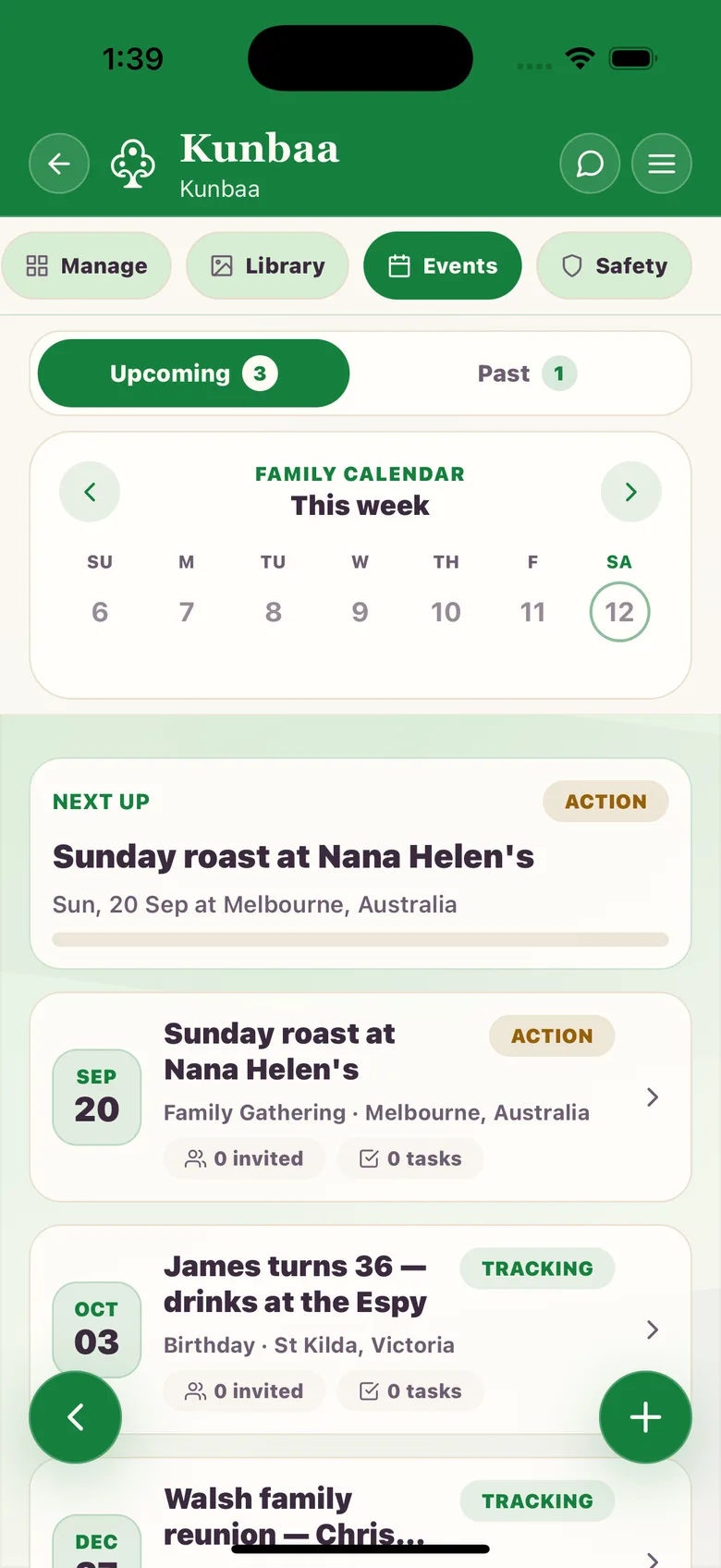
Festivals and events
Plan the family get-together: who is coming and when.
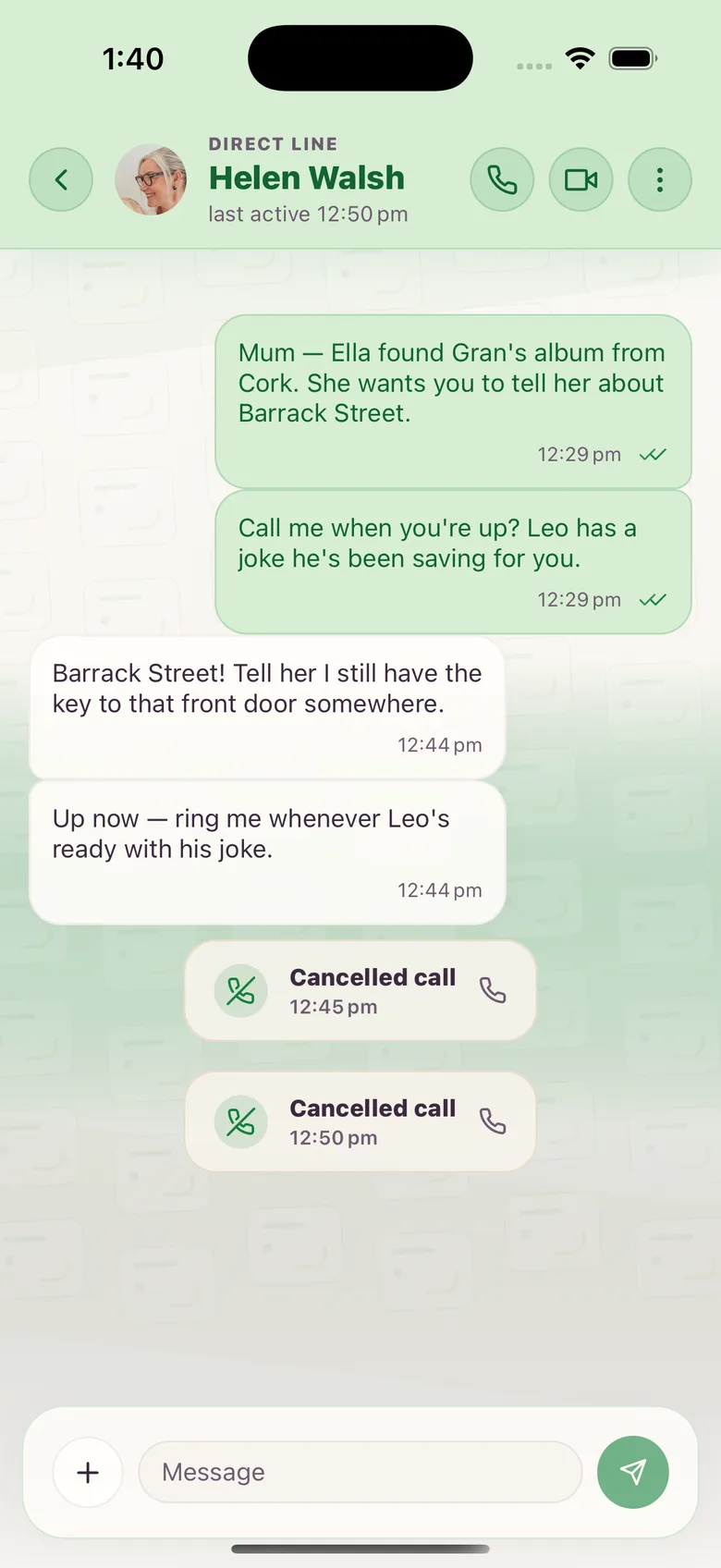
Chat and calls
Talk every day, one-to-one voice and video.
Frequently asked questions
More questions? Read the full FAQ or the help centre.
When is Bhai Dooj in 2026?
Tuesday 10 November in the US and Canada, and Wednesday 11 November in India, Australia and New Zealand, by Drik Panchang. Your family or temple may keep a different day, so send the card on the day you keep.
What is Bhai Dooj?
A day that celebrates the bond between brothers and sisters. A sister prays for her brother's wellbeing and he promises his care. Many families include cousins and siblings of every kind.
Can I sign the card with our names instead of a family name?
Yes. A single word such as Patel reads as “the Patel family”. Two or more words, such as Priya and Rohan, stay exactly as you type them.
Is the Bhai Dooj card free?
Yes. Make as many cards as you like, with nothing to sign up for.
Does Kunbaa keep my card or my family's name?
No. The card is drawn when someone opens the link and nothing is stored. The name you type travels in the link you share, and that is the only place it goes.
Does the person I send it to need Kunbaa?
No. They open the link or the picture in WhatsApp, Instagram or any app. If they want to make their own, the page shows them how.
How do I put it on my WhatsApp Status or Instagram Story?
Choose the Story shape, then Share the card. On an Android phone with Chrome it opens your share sheet with the picture ready; elsewhere it saves the picture to add from your photos.