Every family story, in one private place
Photos, videos and stories on a shared timeline — kept in the family's own archive, with the names and dates written down, so they still make sense in forty years.
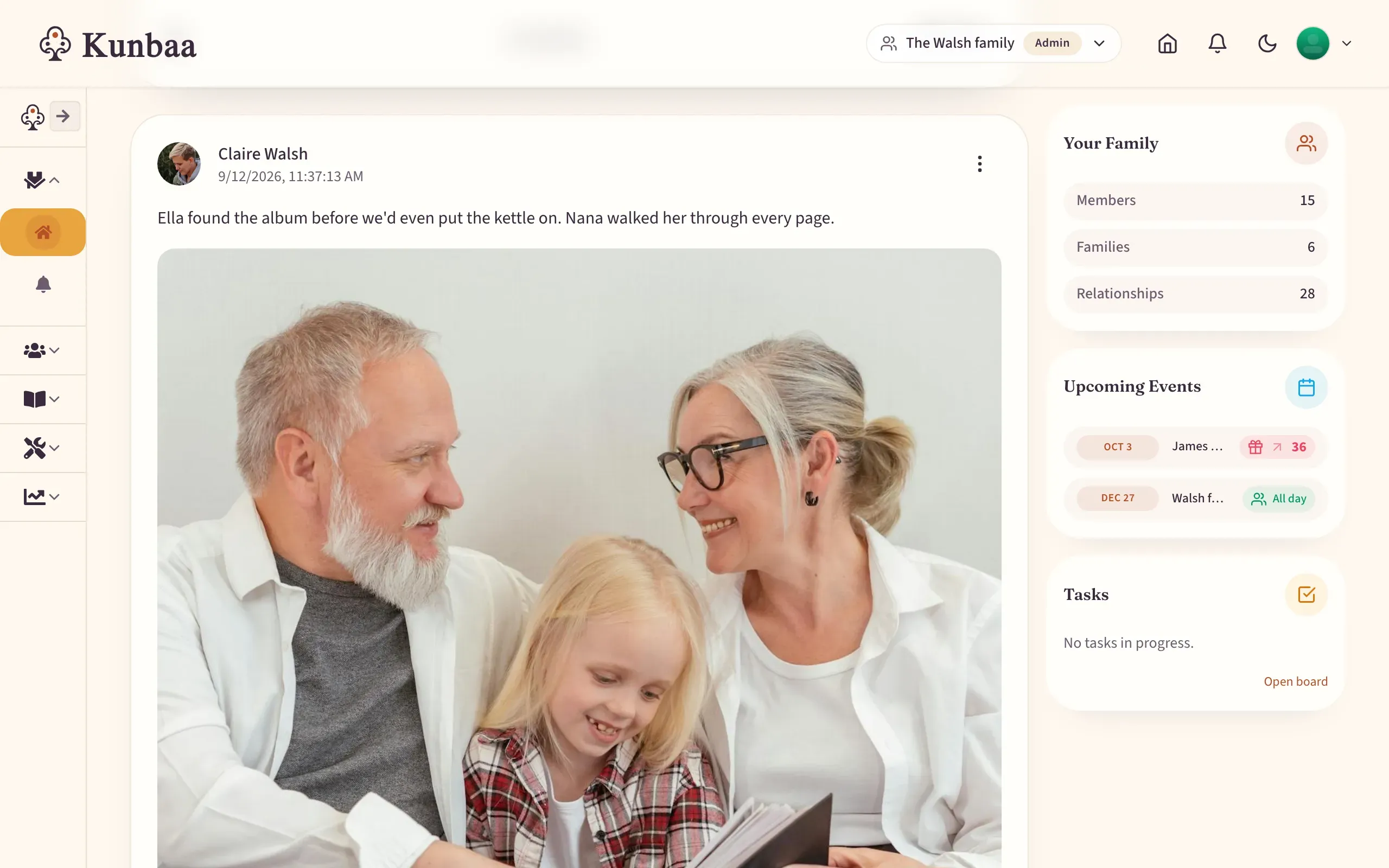
A family memory archive keeps photos, videos and written stories in one private place instead of scattered across phones and chat apps. Kunbaa gives your family a shared timeline where everything is kept in the family's own archive, with the names and the place in the caption and the date it was shared, and relatives can add what they remember.
What you get
One timeline, whole family
Everyone adds to the same story instead of scattering it across phones, chat threads and shoeboxes.
Record the voice, not just the face
Voice notes capture how someone told a story — the part a photograph always misses.
The names written in the caption
Who is in the photo, where it was taken and roughly when — written into the caption as you share it, so nobody has to explain it twice.
Kept, not passed through
The scanned album and the wedding video go into the family's own archive, and the archive is never deleted. On Kunbaa Plus the whole speech goes up, not just a short clip.
How it works
Step 1: Upload what you have
Photos, scans, recordings — start with whatever is closest to hand.
Step 2: Add the story
Write it down or record it. Add the names and the date while someone still remembers.
Step 3: Invite the rest
Family add their versions. The gaps in your memory are usually in someone else's.
What this means for your privacy
- Your memories stay yours — Kunbaa claims no ownership of what you upload
- No ads inside your family space, and your photos are never used for ad targeting
- Ask for a complete copy of your archive at any time — support prepares it while self-serve export is built
Questions families ask
- Who owns the photos and stories I upload?
- You do. Uploading to Kunbaa does not transfer ownership — you grant only the licence needed to store and show it to the relatives you choose. You can ask for a complete copy at any time.
- Is AI used on my photos or stories?
- Kunbaa's own AI does one thing: it writes short family digests of the updates you missed, drawn from your own family's posts. There is no assistant, no AI voice and no screen that accepts a prompt. Your content is never used to train models or to target ads.
- Can I download everything?
- Yes, on request. A self-serve download-everything export is being built; until it ships, email support and we'll prepare your complete archive — the photos, the videos and the tree — on any plan.
- How much storage do I get?
- Free accounts include room to build the tree and start the photos, with videos kept to short clips. Kunbaa Plus ($15.99/mo or $159.99/yr on kunbaa.com) keeps the rest: longer videos, room for the whole family's archive, and the photos and videos shared in chat. One person pays and everyone else in the family is covered.