The family archive
Photos, videos, recipes and scanned albums, kept in the family's own archive with the names in the caption and the date it was shared.
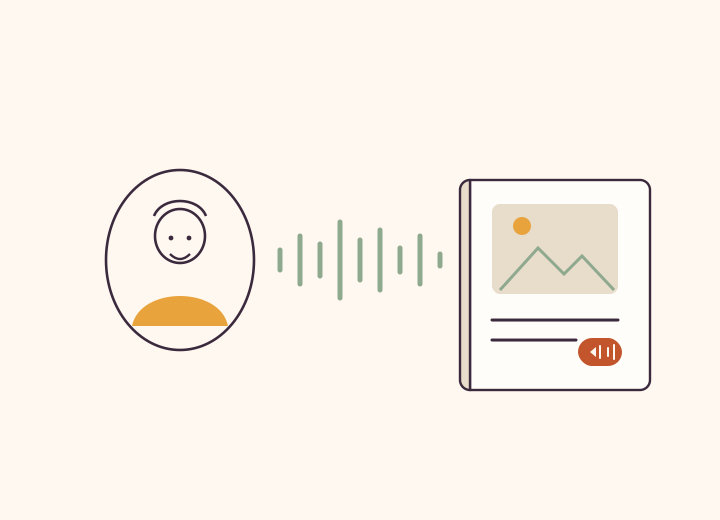
Get started in minutes
- Pick a momentStart with one meaningful theme.
- UploadAdd photos, videos, or documents.
- Add contextWrite who, where and when in the caption.
- InviteAsk relatives to add context.
Live previews
Frequently asked questions
Where are my family photos and videos stored?
In your private, invite-only family space — photos, videos, documents and recipes kept in the family's own archive, with the names in the caption and the date it was shared; not on a public feed, and never deleted.
How is this better than keeping photos in our WhatsApp group?
WhatsApp is for talking; media sent through it is compressed substantially and stored on its servers only for a limited period, so a re-download can fail if the sender no longer has the original. Kunbaa keeps the photo in the family's own archive, with the names in the caption and the date it was shared, and the archive is never deleted.
How much storage do we get?
Free accounts include room to build the tree and start the photos, with videos kept to short clips. Kunbaa Plus ($15.99/mo or $159.99/yr on kunbaa.com) keeps the rest — longer videos, room for the whole family's archive, and the photos and videos shared in chat — and one person paying covers everyone.
Is my family media used to train ads or AI?
No. Private family media is not used for third-party ad targeting or public model training.
Can relatives add context to a memory?
Yes. Relatives comment with what they remember — a name, a year, the story behind it.
Photos, videos, documents, and notes in one place
Upload several photos at once and they lay out as a collage grid, so a whole trip stays in one memory.
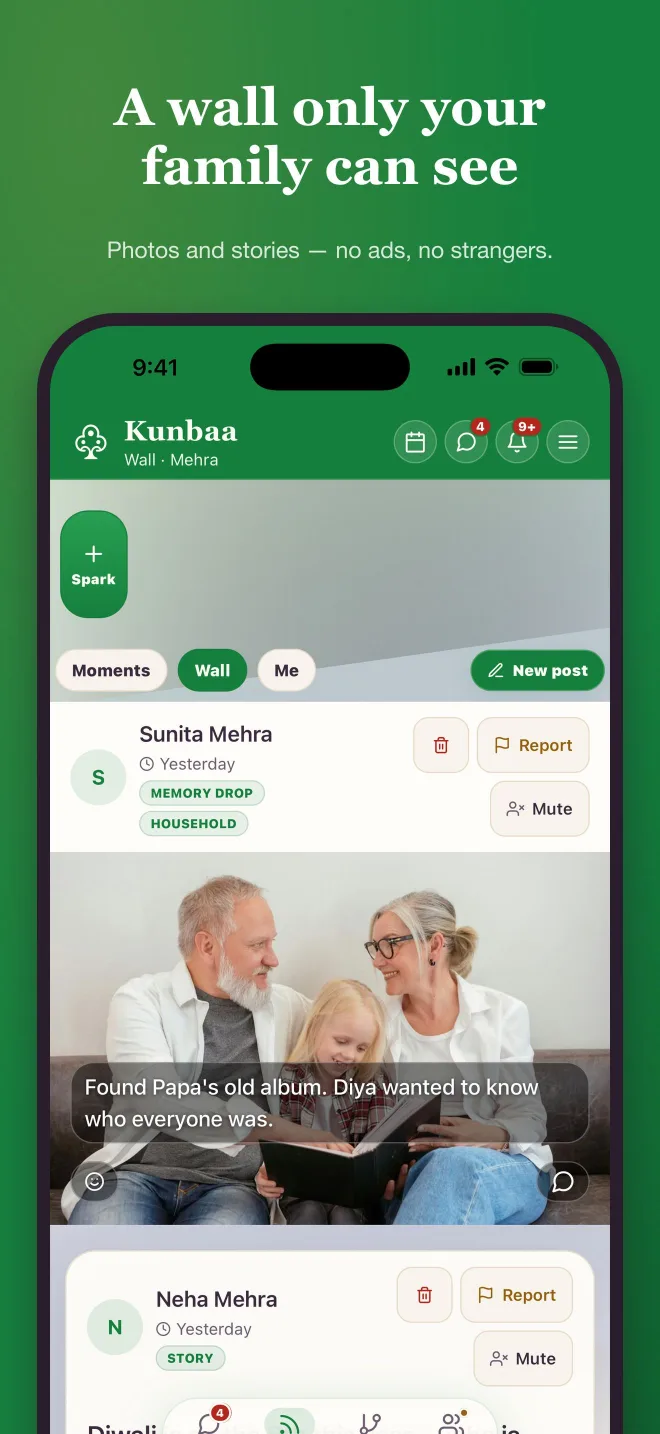
Keep the story with the photo
Write the names and the story into the caption while someone still remembers, and let relatives add what they remember in the comments — it stays with the photo for future relatives.
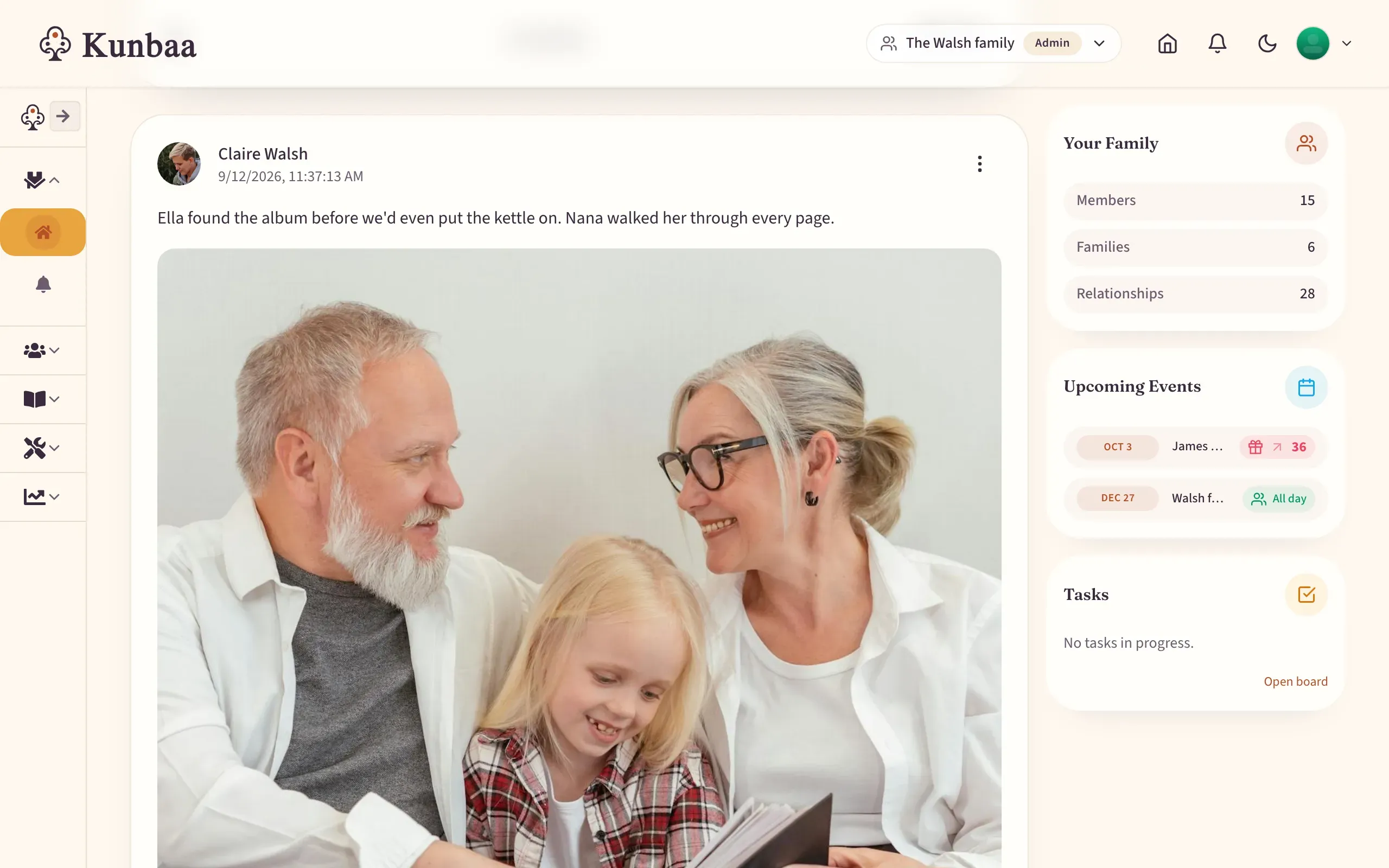
Private by default
Your archive lives inside the private family space, not a public feed, and private family media is not used for third-party ad targeting.
A warmer home for your family photos
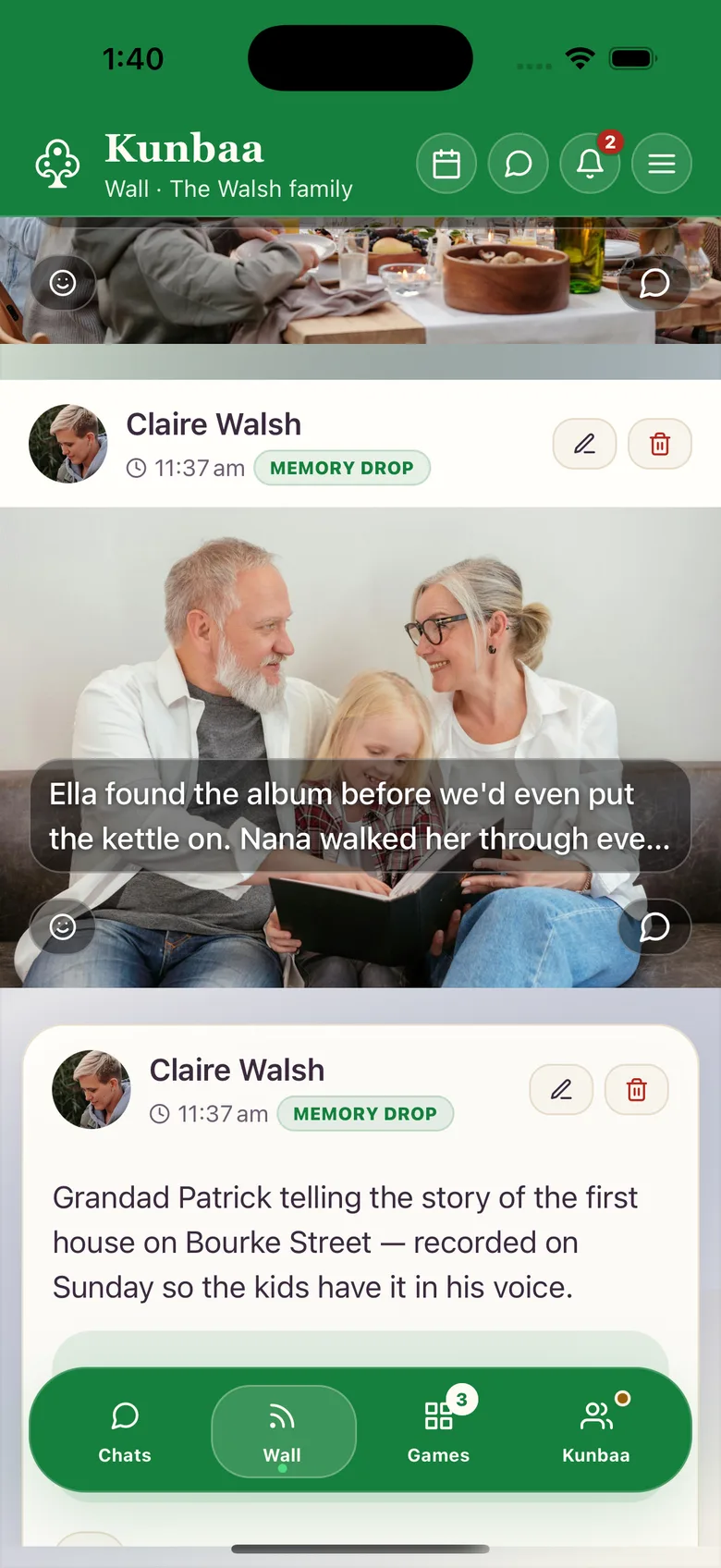
Share a handful of photos and they arrange into a collage on the family wall, reactions, comments and mentions included; every post is kept in the archive automatically — the Library in the app, and Moments day by day — with its caption and date.
The archive, in depth
One page per feature, with what it does today and the honest limits.
About the family archive
The family archive: preserve photos, videos, documents, and stories
The family archive is where Kunbaa keeps what the family shares — the Library in the app, and the Moments view day by day. Keep photos, videos, documents, recipes, voice notes, posts, and stories together with the dates, names, events, and family notes that explain them. It is built for long-term preservation.
The most valuable family memories are usually not just files. They are a photo plus a name, a recipe plus the person who taught it, a short clip plus the celebration around it, or an audio note plus the language and place it came from. In Kunbaa you write those details into the caption, and they stay beside the memory.
Why the family archive works for families
- Write down who is in a memory and what was happening around it, so the names outlast the relatives who remember them.
- Keep family posts, photos, videos, and documents in one private workspace.
- Use dates, captions, and notes so future relatives understand why a memory matters.
- Revisit milestones without digging through old group chats or scattered folders.
- Ask relatives to add missing names, pronunciations, source notes, or translations.
Onboarding flow
- Start with one meaningful family moment.
- Upload a small set of photos, videos, or documents.
- Add the names and the date in the caption; approximate dates are fine.
- Invite a relative to add captions or context to important photos.
- Schedule a monthly 15‑minute organization session.
Tips for better organization
- Upload a whole set from one day or event in one go, then add the dates and captions while the context is fresh.
- Record pronunciations of names; add them to captions.
- Use themes such as immigration, weddings, festivals, and school milestones.
- Save scanned documents as high‑resolution images with source notes.
- Agree early on who keeps which branch's albums, so the same shoebox does not get scanned twice.
The family archive works especially well for preserving family albums, scanned keepsakes, videos, audio, and the everyday details that help future generations understand the bigger story. Private family media is not used for third-party ad targeting.