How Kunbaa works
One person starts the tree and the whole family joins free. The photos, stories and birthdays that scroll out of the group chat get kept — with the names and dates that keep them findable in forty years.
The three steps
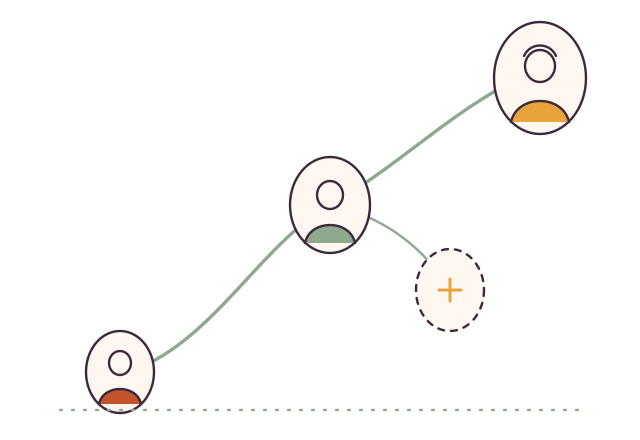
Start the tree
Sign up free on kunbaa.com and add your people — parents, grandparents, both sides, the cousins abroad. Everyone gets a place in the tree from day one, even relatives who never sign in; it takes an evening, and three people is enough to start.
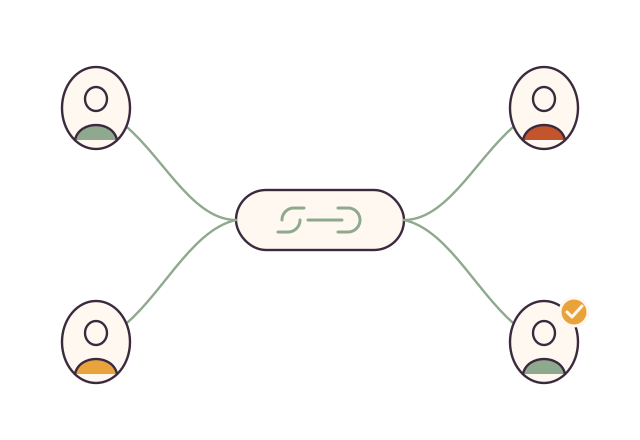
Invite the family — everyone joins free
Send invites from your contacts or with a share link; each relative claims their own spot, and nobody needs a credit card. Choose what each person can do — add to the tree and post, or just look — and a few contributors are enough to build the archive.
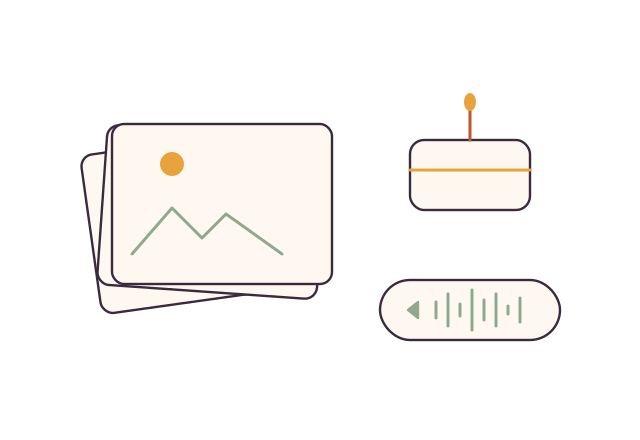
Keep what matters
Upload a photo or a story and write down who is in it, where, roughly when. It goes to the family wall — everyone, or just your extended family or household — and the note travels with it, so a grandchild opening it in forty years knows the names, the year and why it mattered.
Step-by-step help: the first-time guides (seven short walk-throughs, from your account to your first invite, post, chat and location share), inviting your family and setting up a parent or grandparent.
Why start with people?
Because that is how families remember: nobody asks for album 47 — they ask about Dadi. Photo apps organise by date and chat apps by thread; Kunbaa keeps the tree beside the archive, so the people, how they connect, and the names and dates on what they shared are all written down. See the family tree and the family archive in detail, or compare Kunbaa vs WhatsApp.
What it costs, honestly
Free, for everyone
The tree with no limit, the family wall, events with birthday reminders, family to-dos, and — in the mobile app, coming soon — group chat, voice and video calls (one-to-one, or a group of up to 4 free and up to 6 on Kunbaa Plus) and strictly opt-in Family Safety. Room to build the tree and start the photos, videos kept to short clips, and chat photos and videos kept for a year.
Kunbaa Plus — $15.99/mo or $159.99/yr, one payer
Pay monthly, or yearly and save 17% — about $13 a month for the whole family. It keeps longer videos (free keeps short clips), room for the whole family's archive, and the family chat's photos and videos for as long as the family is on Plus; one purchase covers every relative. Early-bird families pay $79 for their first year on kunbaa.com, renewing at $159.99 a year.
Frequently asked questions
Does everyone in the family have to pay?
No. Everyone joins free — no card, ever. Free includes the tree, the wall and events, plus — in the mobile app, coming soon — chat, voice and video calls (one-to-one, or a group of up to 4 free and up to 6 on Kunbaa Plus) and Family Safety, with room to build the tree and start the photos. One paid plan, Kunbaa Plus at $15.99 a month or $159.99 a year: one person pays, on kunbaa.com, and the family keeps longer videos, room for the whole archive, and the photos and videos from the family chat.
Do my kids get their own accounts?
Kunbaa accounts are 18+ on purpose. Kids are in the tree and in the photos, added by the adults — adults keep it, kids are in it.
We already have a family WhatsApp group. Do we replace it?
Keep it — that is where the family talks. WhatsApp compresses photos and videos substantially and keeps media on its servers only for a limited period, so old photos can fail to re-download; Kunbaa sits behind the group and keeps them at full resolution, with the names in the caption and the date it was shared.
What do I need to get started?
Nothing but names. Start free on the website with yourself and a couple of relatives, add one photo, and grow from there. Chat, calls and location safety live in the Kunbaa mobile app, which is coming soon to the App Store and Google Play; the website holds the tree, memories, photos and events.
More in the Help Center and the full FAQ.
Start small. Start tonight.
Three people, one photo, and the names of everyone in it. That is how every family archive starts.